由 MiniMax H3 Image 驱动
AI 图像生成器
用 MiniMax H3 Image 把文字提示词变成图片。可以选择画面比例,最高 4K 输出,一次最多生成 4 张变体。
图片会显示在这里
在左侧写下提示词并点击“生成”,或者从下面的示例开始。
H3 Image 生成作品
下面每张图都由 MiniMax H3 Image 按所示提示词直接生成,2K 输出,未做任何修饰。点击任意一张即可带着提示词打开生成器。
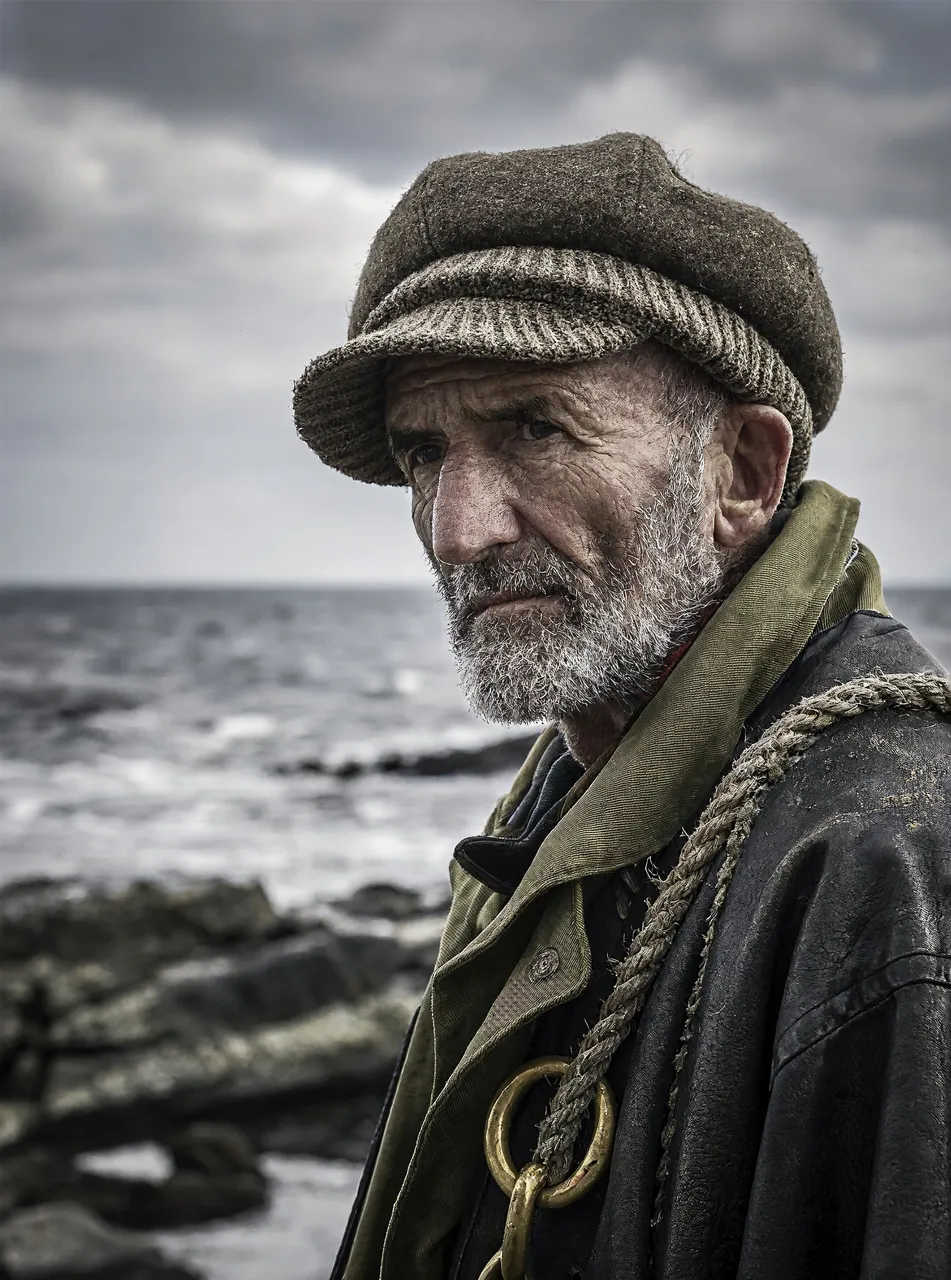
Close-up portrait of an elderly fisherman with weathered skin and a grey beard, wool cap, overcast coastal light, 85mm lens, shallow depth of field
3:4 · 2K使用这条提示词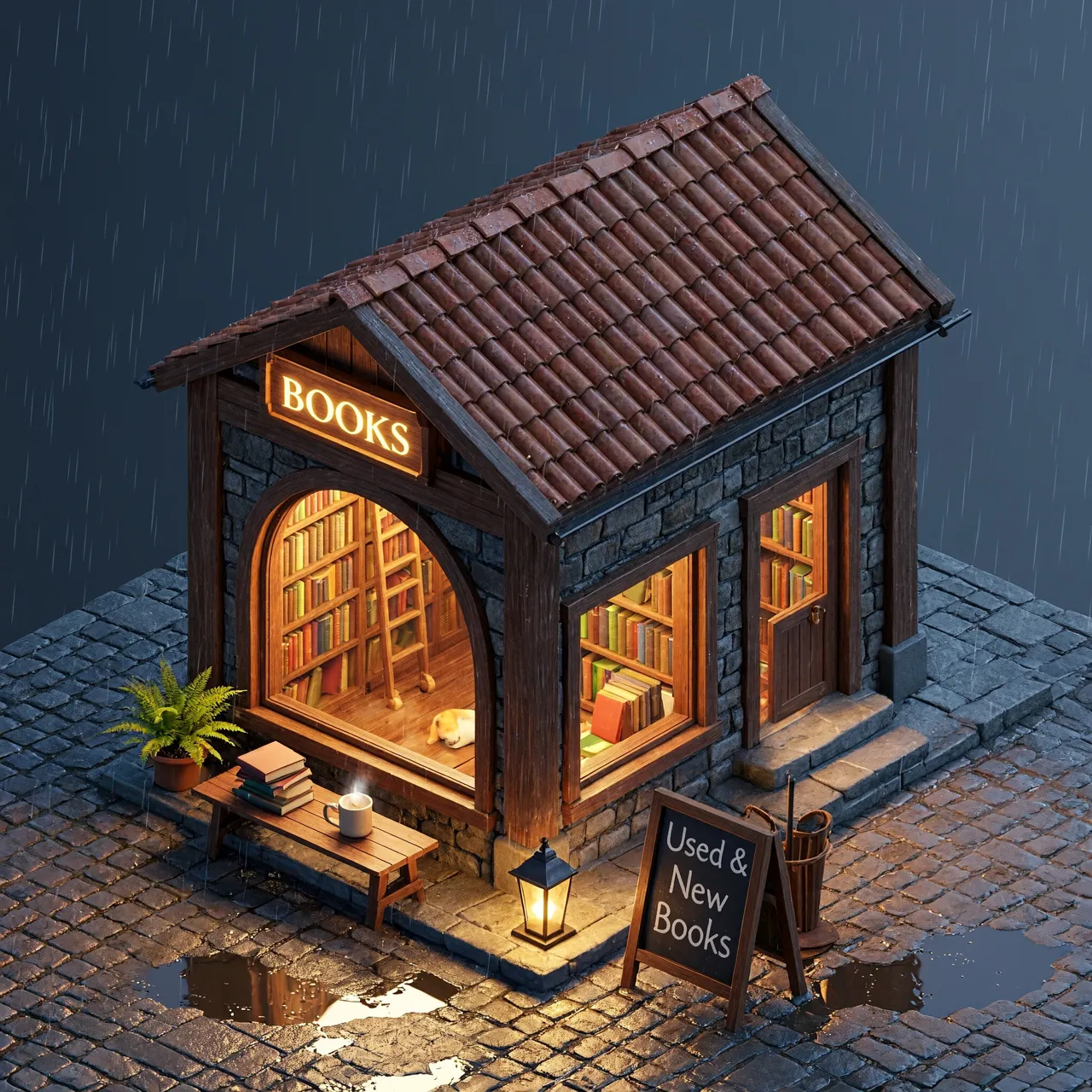
Isometric 3D render of a tiny bookshop on a street corner, warm window light, rainy evening
1:1 · 2K使用这条提示词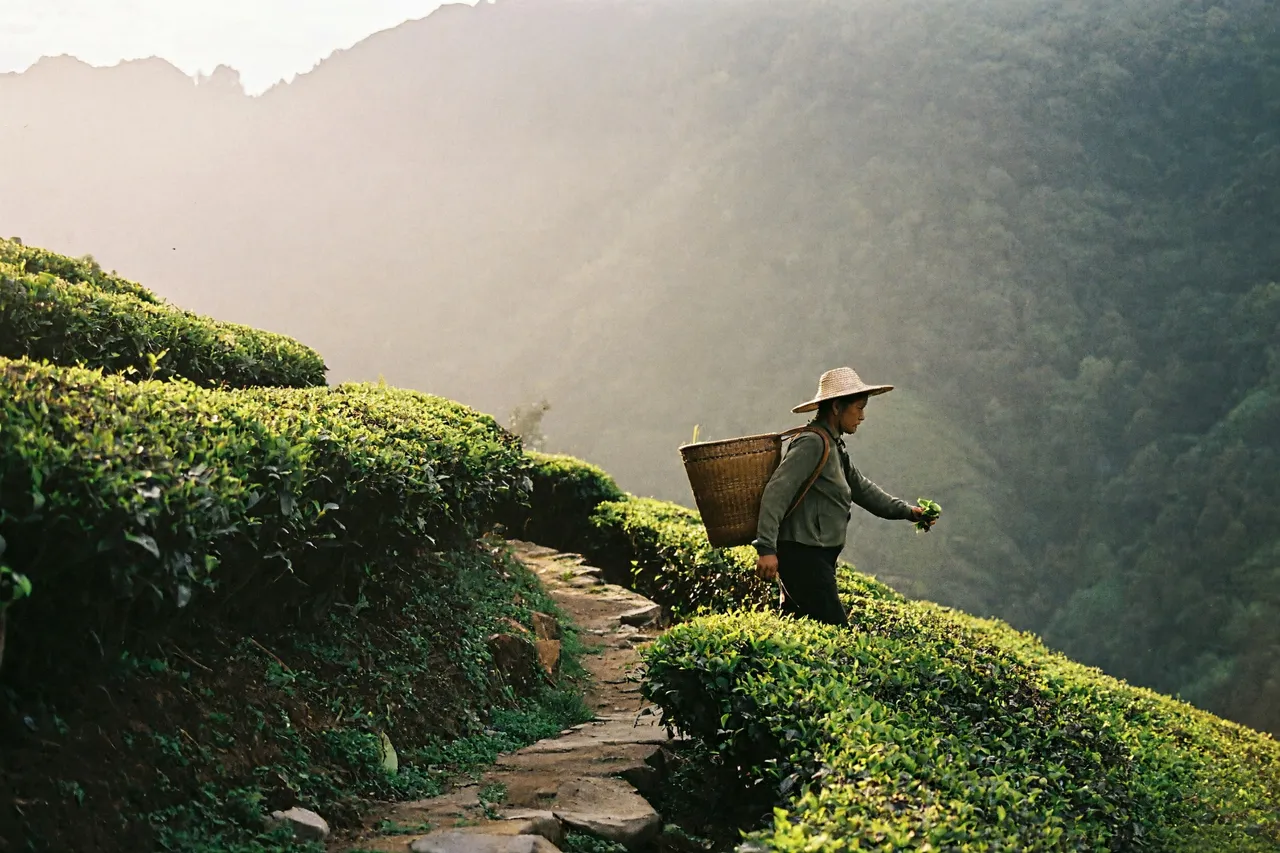
A tea plantation on a misty mountainside at dawn, a picker walking a terraced path, soft backlight, 35mm film look
3:2 · 2K使用这条提示词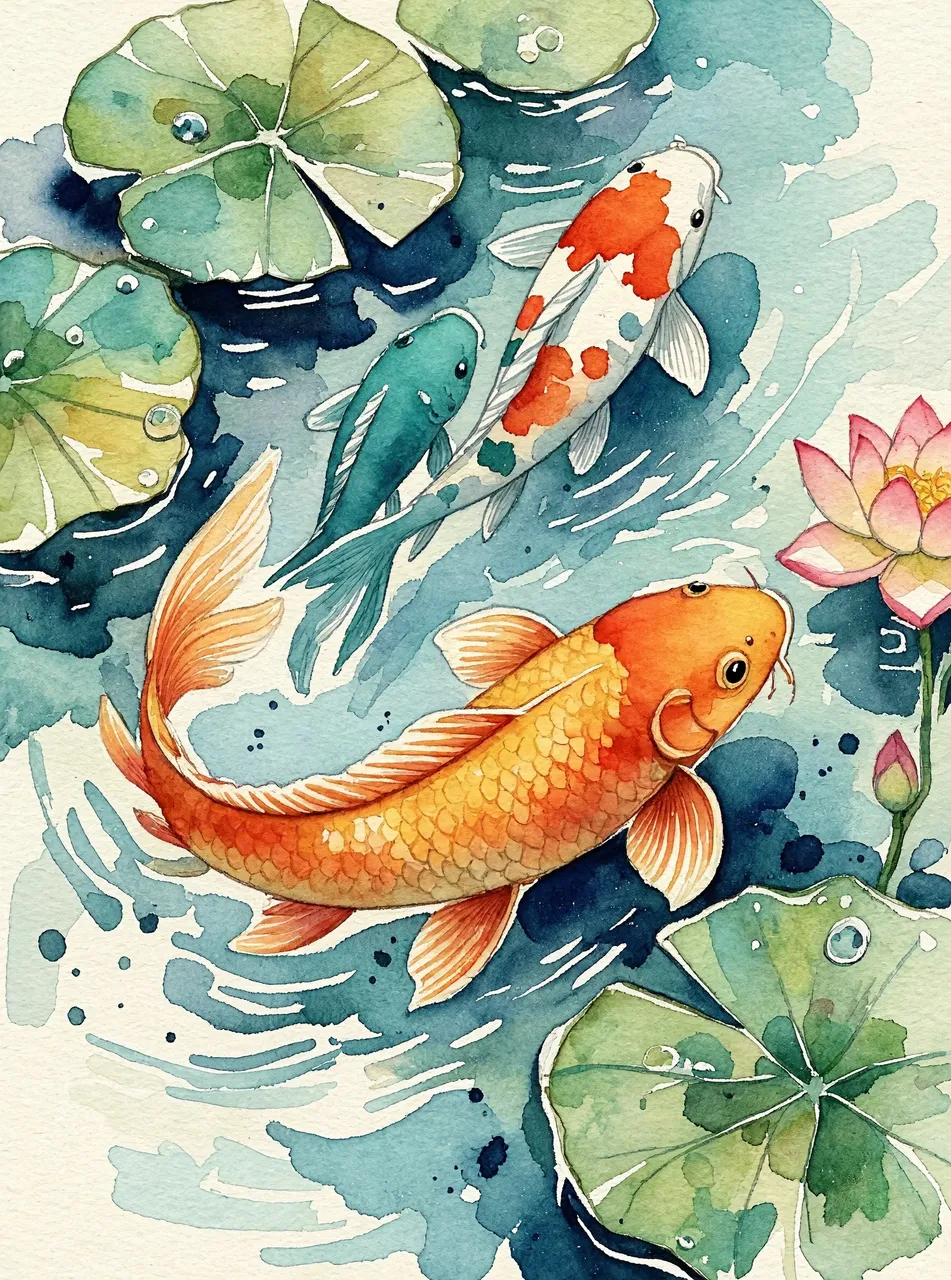
Watercolour painting of a koi pond with lily pads seen from above, loose brushwork, soft paper texture, orange and teal
3:4 · 2K使用这条提示词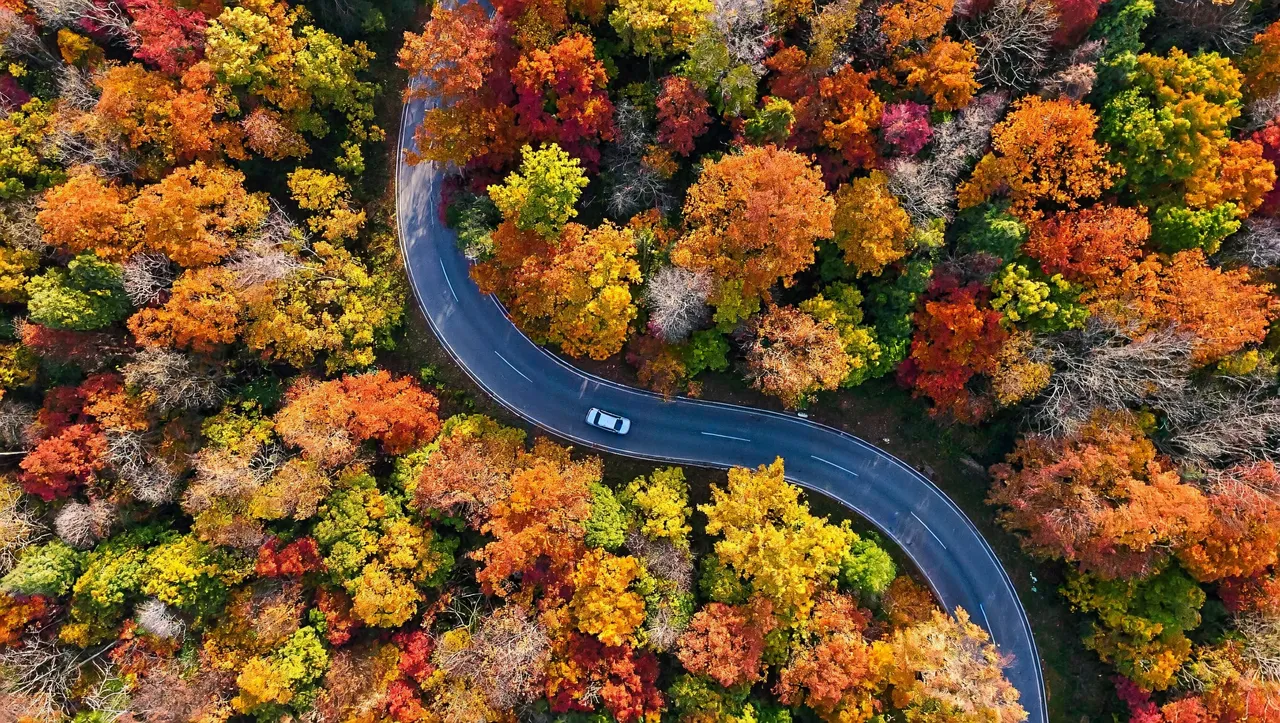
Aerial top-down photo of a winding road through an autumn forest, vivid orange and red foliage, one small car
16:9 · 2K使用这条提示词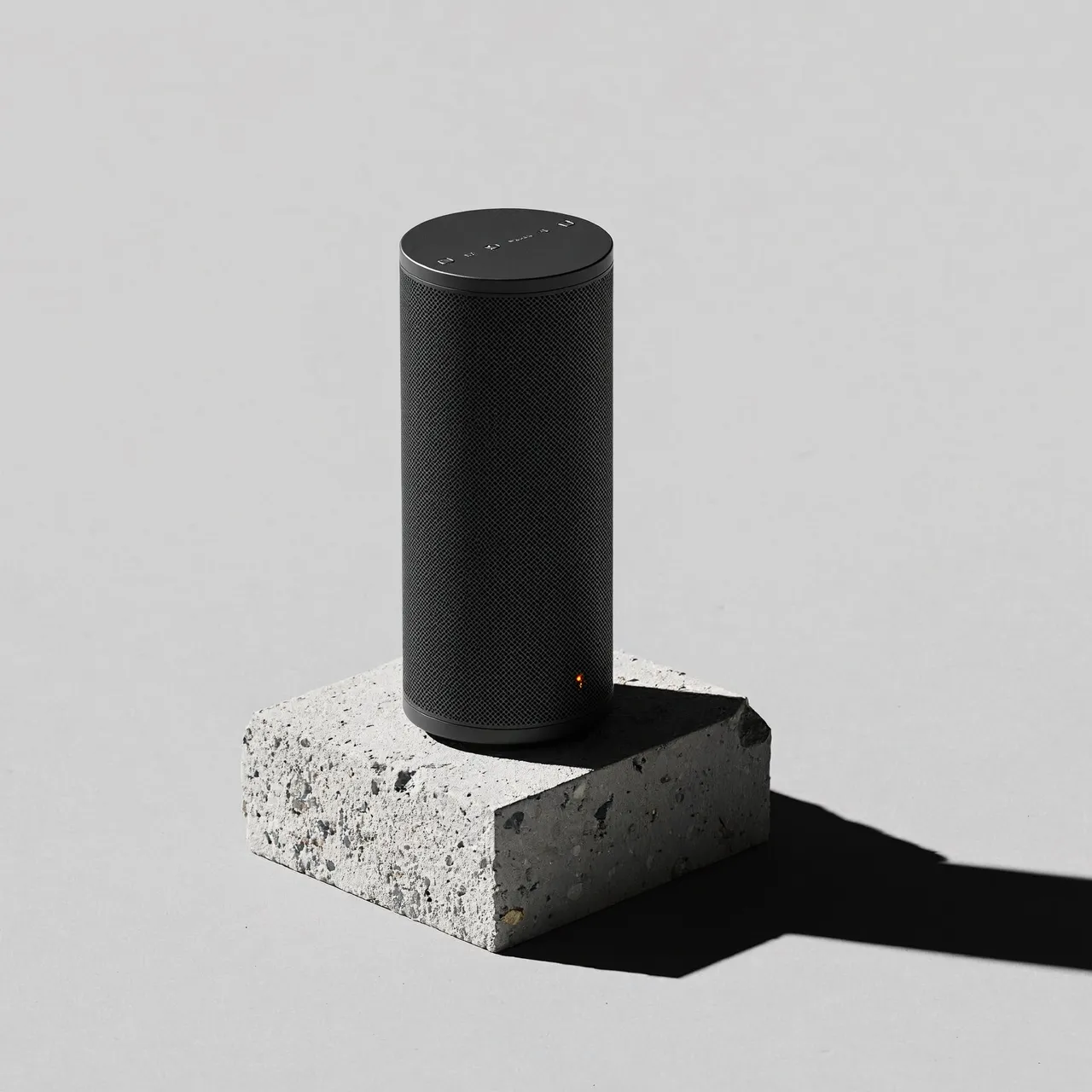
Product photo of a matte black wireless speaker on a concrete plinth, hard studio light, long shadow, minimal, light grey background
1:1 · 2K使用这条提示词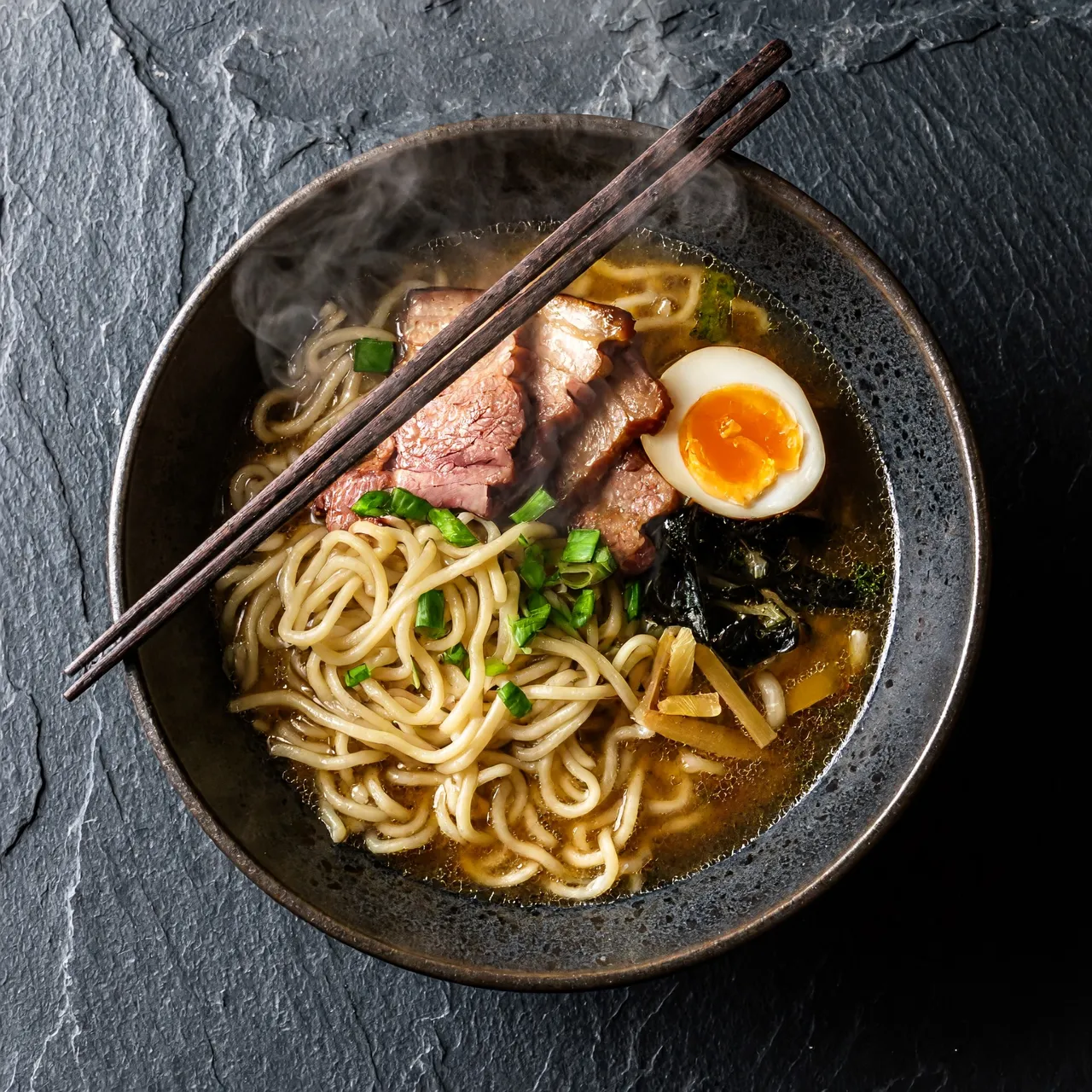
Overhead shot of a bowl of ramen on a dark slate table, rising steam, chopsticks resting on the bowl, moody side light
1:1 · 2K使用这条提示词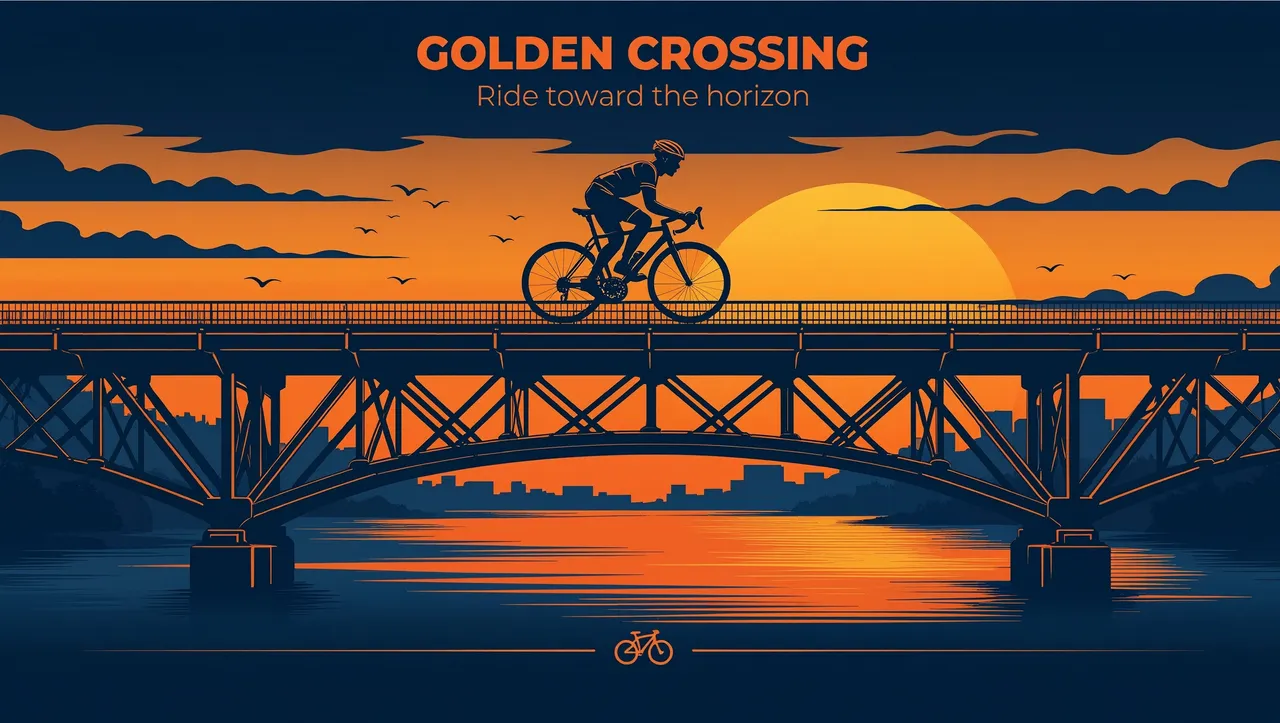
Flat vector illustration of a cyclist crossing a bridge at sunset, limited palette of orange and navy
16:9 · 2K使用这条提示词
H3 Image 图像生成能做什么
只提供会改变出图结果的选项。
支持长提示词
最多 4000 字,主体、场景、光线、镜头和风格都能写进一条提示词。
最高 4K 分辨率
可选 1K、2K 或 4K。4K 方图为 4096 × 4096 像素。
适配各种版面的比例
1:1、4:3、3:4、16:9、9:16、3:2、2:3、21:9,以及“自动”。
一次生成多张变体
同一个提示词最多生成 4 张,并排对比。
如何生成图像
- 01
写提示词
先写主体,再写场景、光线和想要的风格。
- 02
设置比例和分辨率
按图片的使用场景选择比例,再选 1K、2K 或 4K。
- 03
生成
点击“生成”。图片出来后可以下载,也可以送到编辑器里继续调整。