由 MiniMax H3 Image 驱动
AI 图像编辑器
上传照片,描述你要的修改。MiniMax H3 Image 可以换背景、换风格、融合多张参考图,不需要蒙版和图层。
要编辑的图片
支持 JPG、PNG、WebP,每张不超过 10 MB,最多 4 张。
0 / 4000
画面比例
分辨率
数量
格式
MiniMax H3 Image登录后即可生成
图片会显示在这里
在左侧写下提示词并点击“生成”,或者从下面的示例开始。
试试这些提示词
图像编辑前后对比
同一个 MiniMax H3 Image 模型,仅凭一句文字指令完成每张原图的编辑。
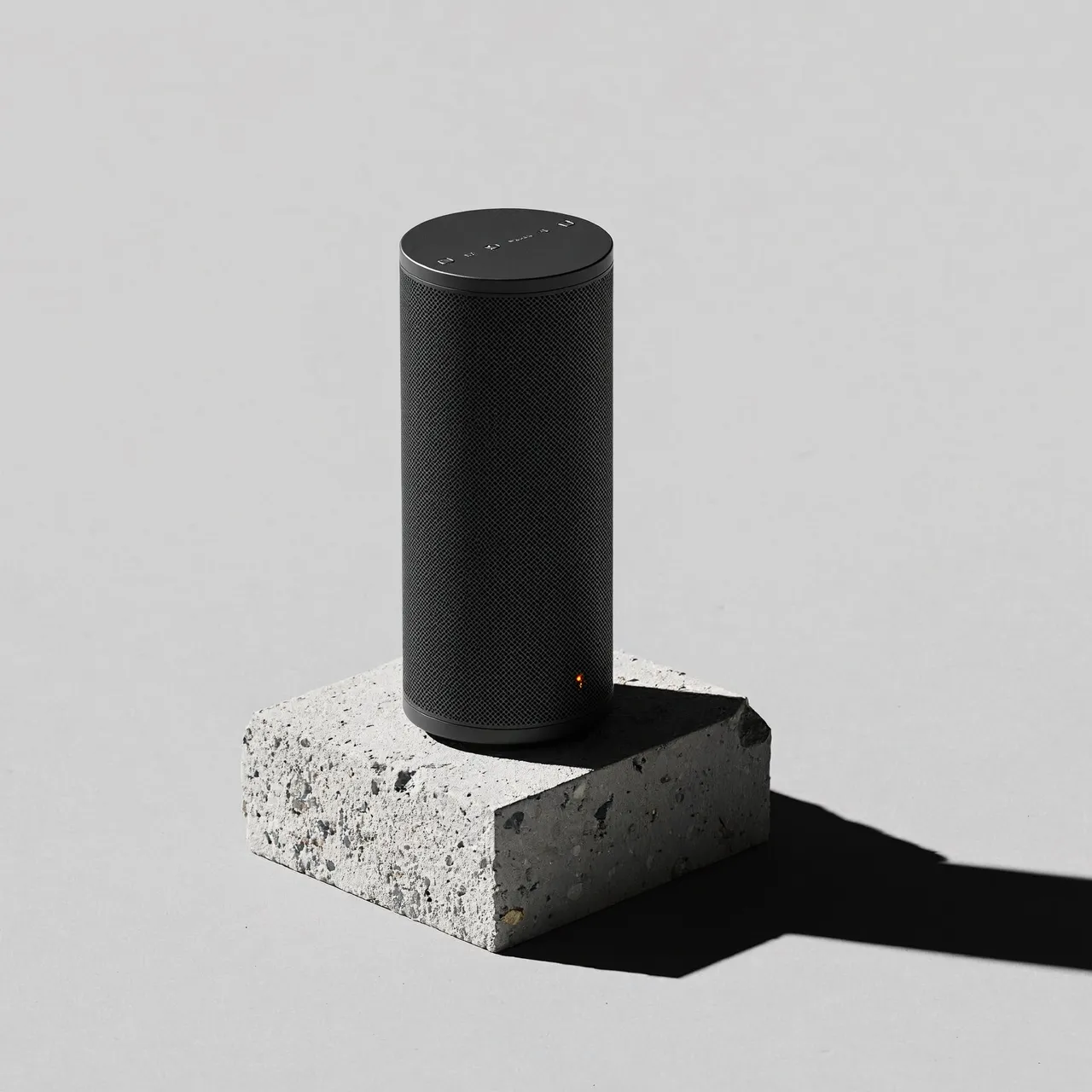
原图 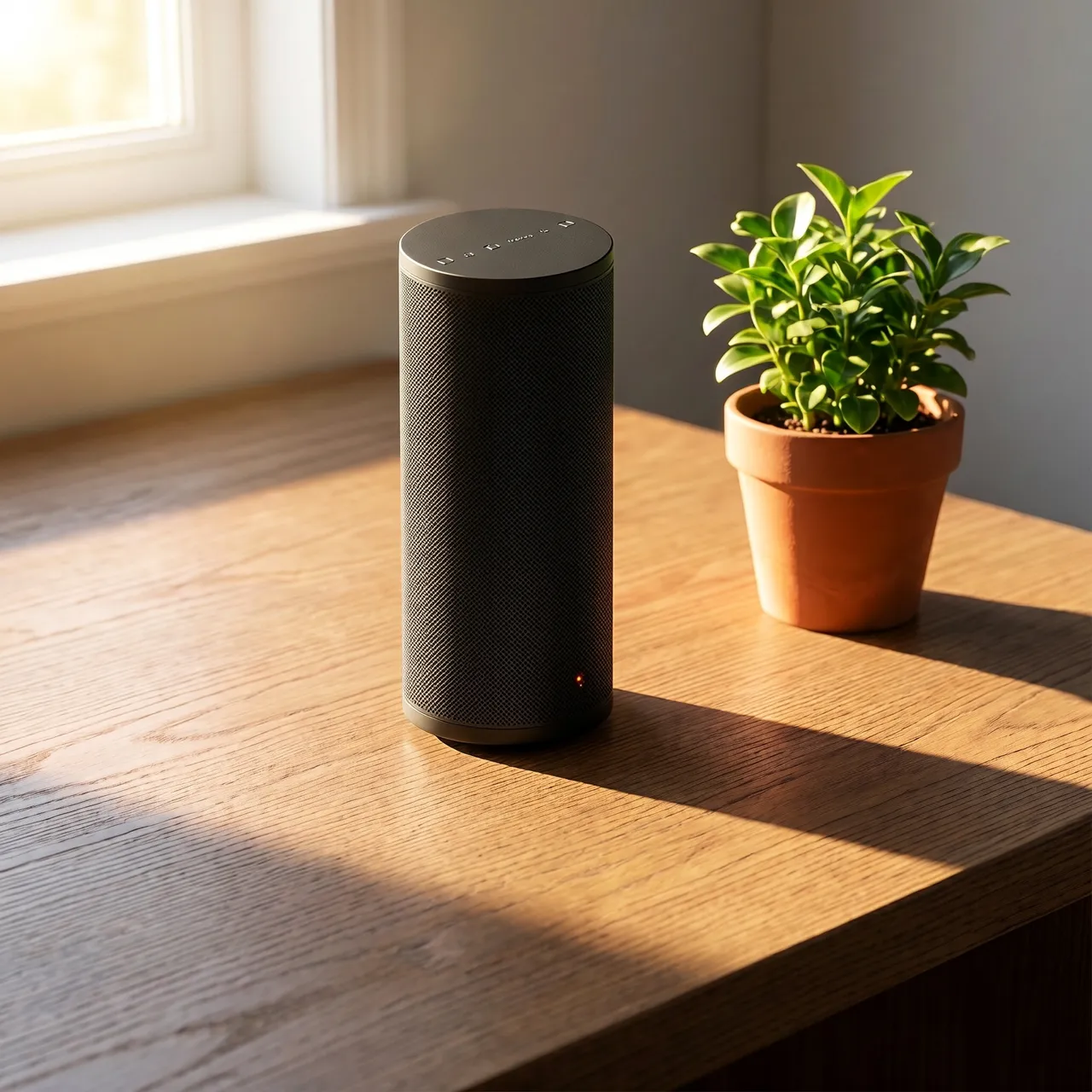
编辑后 编辑指令Place the speaker on a sunlit wooden desk next to a small potted plant, warm morning light from a window. Keep the speaker itself unchanged.
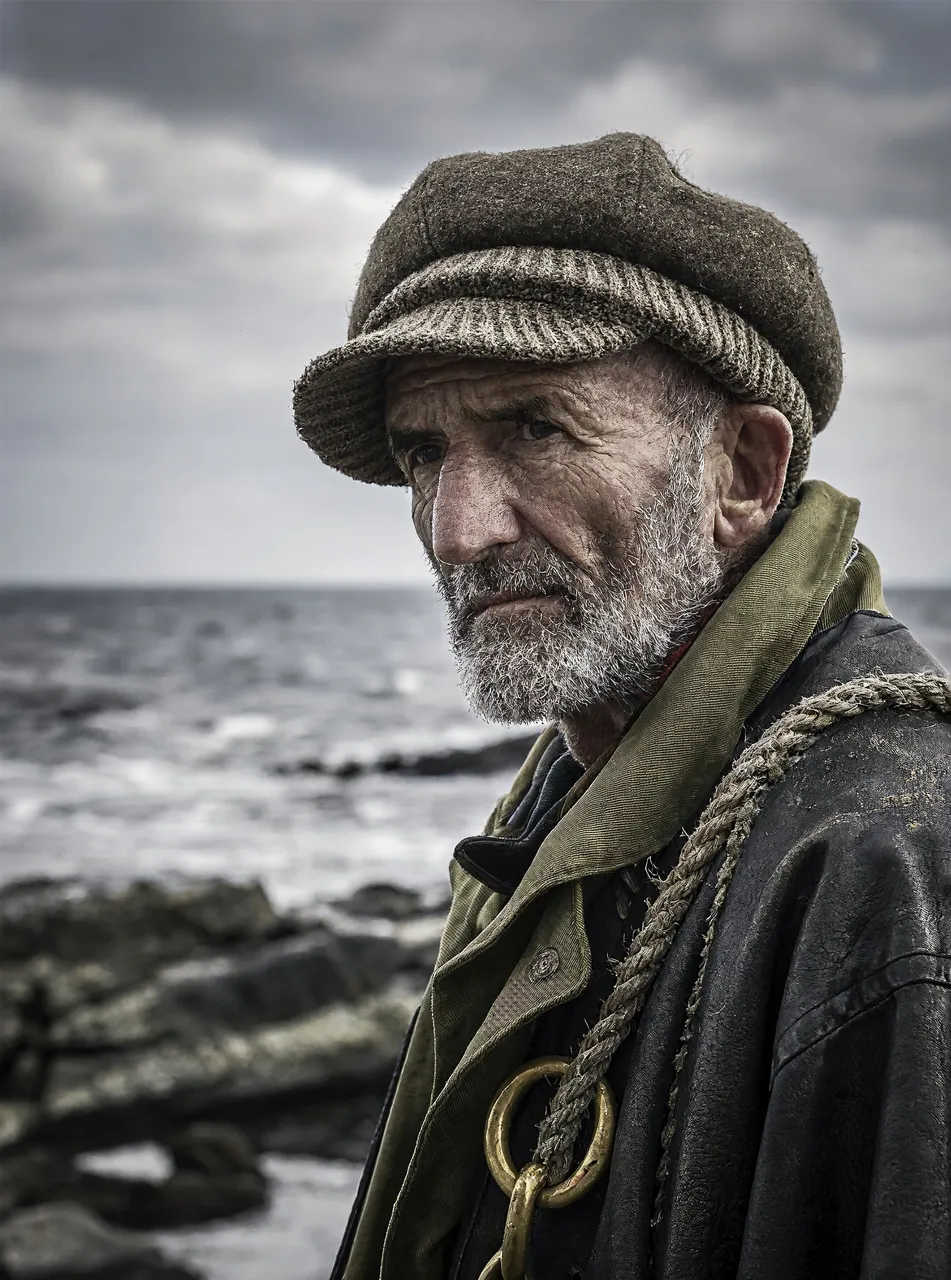
原图 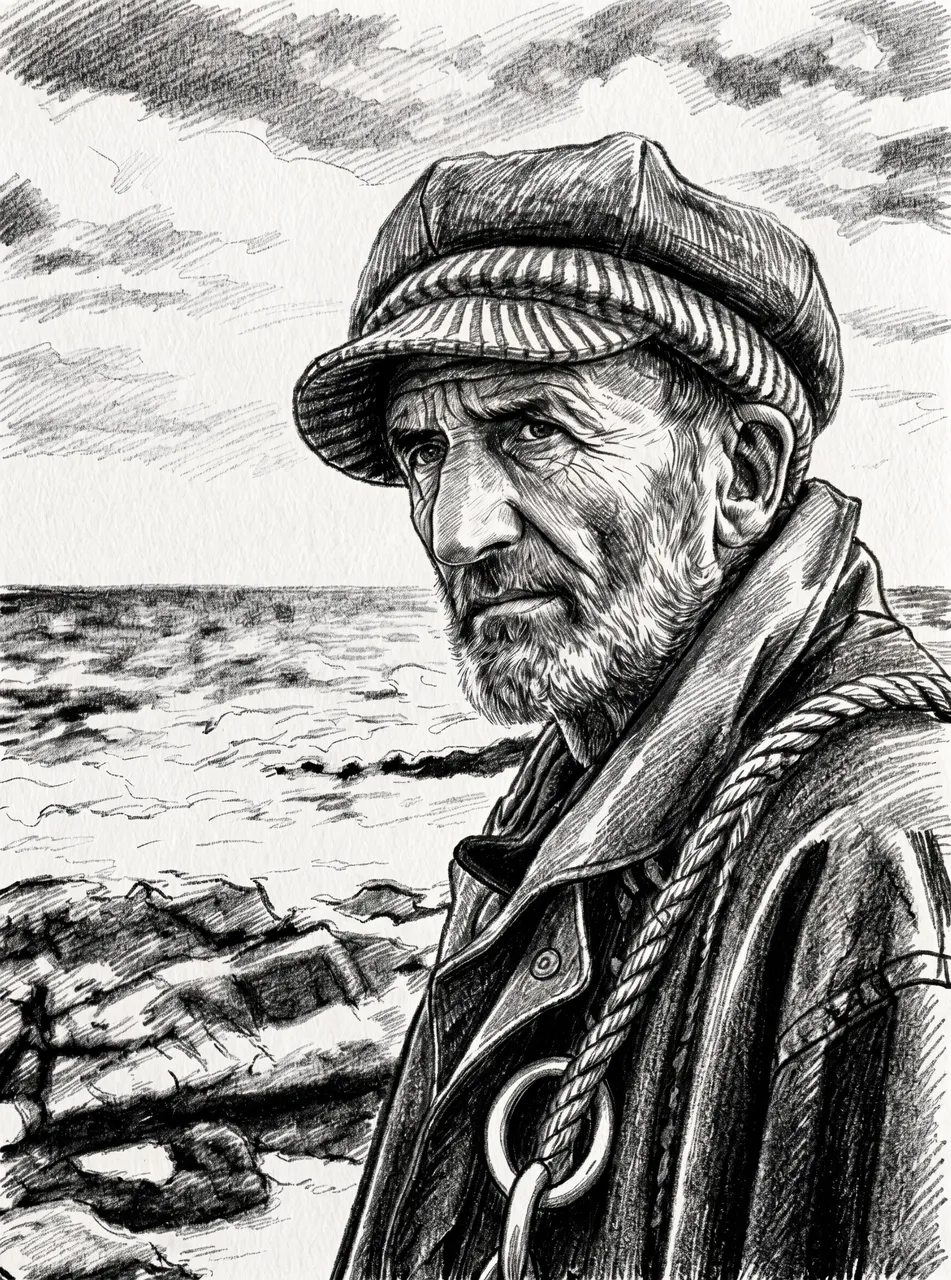
编辑后 编辑指令Turn this photo into a charcoal sketch on textured paper. Keep the composition and the face the same.
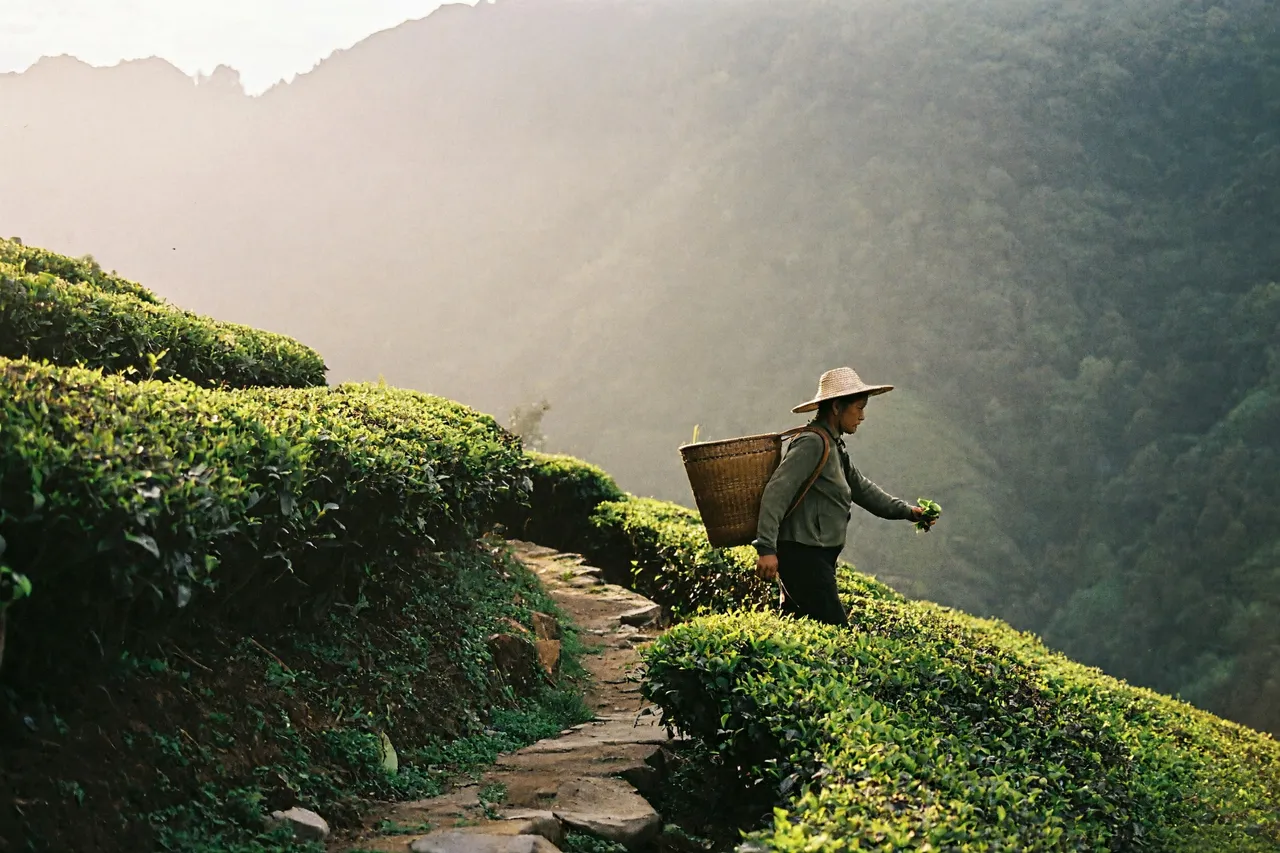
原图 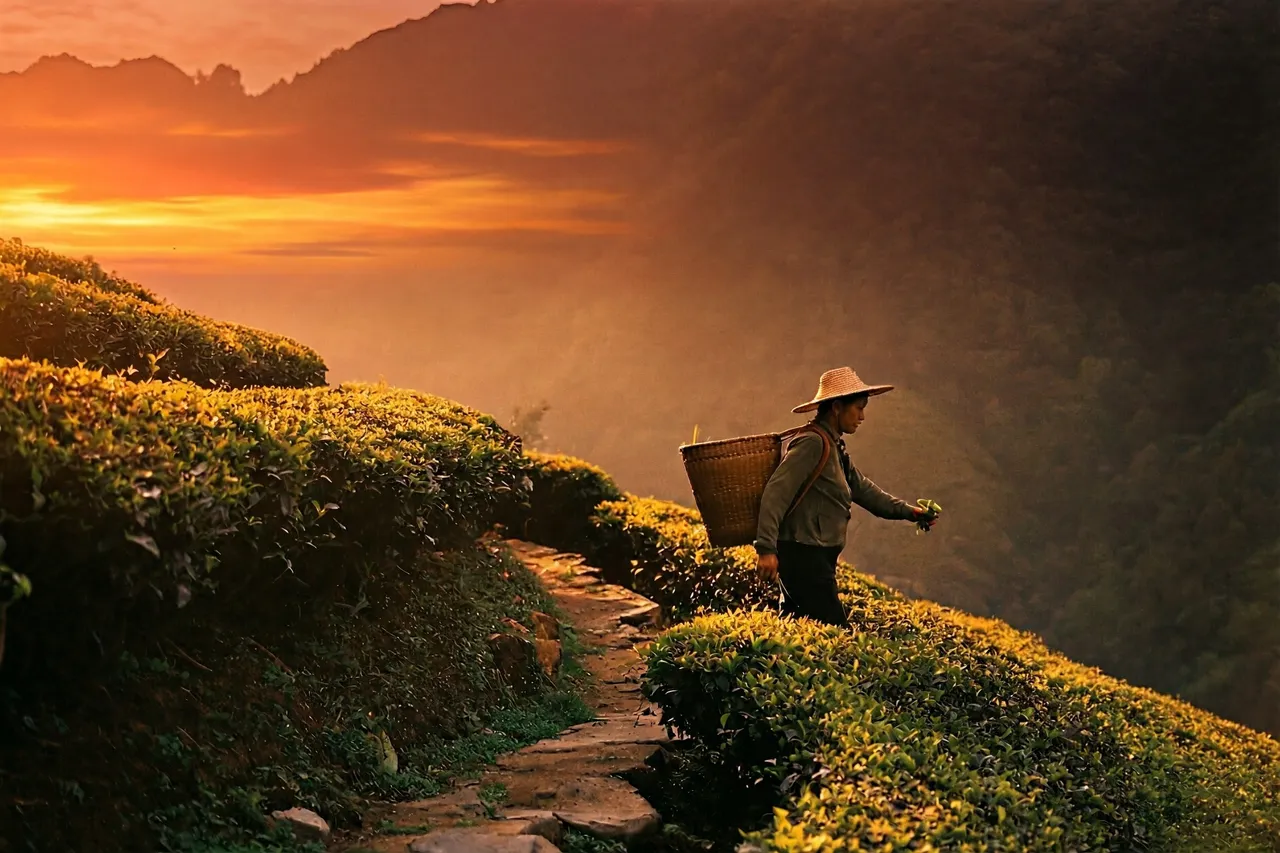
编辑后 编辑指令Change the time of day to a golden sunset with a warm orange sky. Keep the landscape and the person unchanged.
用指令完成图像编辑
你说要改什么,模型负责怎么改。
用文字改图
像对修图师说话一样写下修改:“把天空换成晴朗的日落”。
最多 4 张参考图
把一张图里的主体和另一张图里的场景或风格组合起来。
保留原图构图
比例选“自动”会跟随你上传的图片,也可以换一个比例重新构图。
在结果上继续编辑
任何一张成图都可以一键送回编辑器,继续细化。
如何编辑图像
- 01
上传图片
添加 1 到 4 张 JPG、PNG 或 WebP 图片,每张不超过 10 MB。
- 02
描述修改
说明哪些地方要改,哪些地方保持不变。
- 03
应用并对比
点击“应用编辑”。可以下载结果,也可以在结果上再编辑一次。