Powered by MiniMax H3 Image
AI image editor
Upload a photo and describe the edit. MiniMax H3 Image changes backgrounds, restyles images and combines references without masks or layers.
JPG, PNG or WebP, up to 10 MB each. Up to 4 images.
Your image appears here
Write a prompt on the left and press Generate, or start from one of these.
Image editing, before and after
The same MiniMax H3 Image model edited each original from one written instruction.
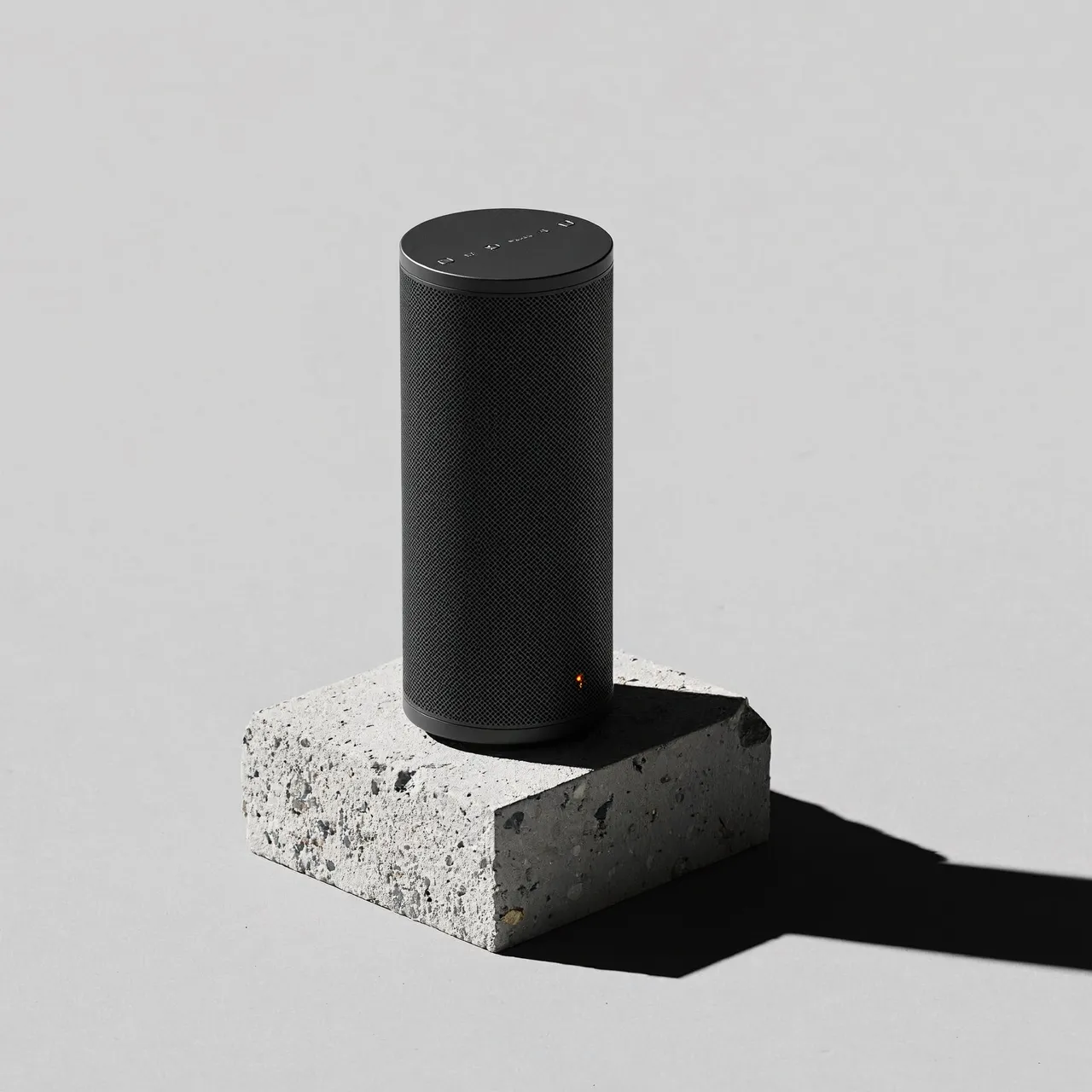
Original 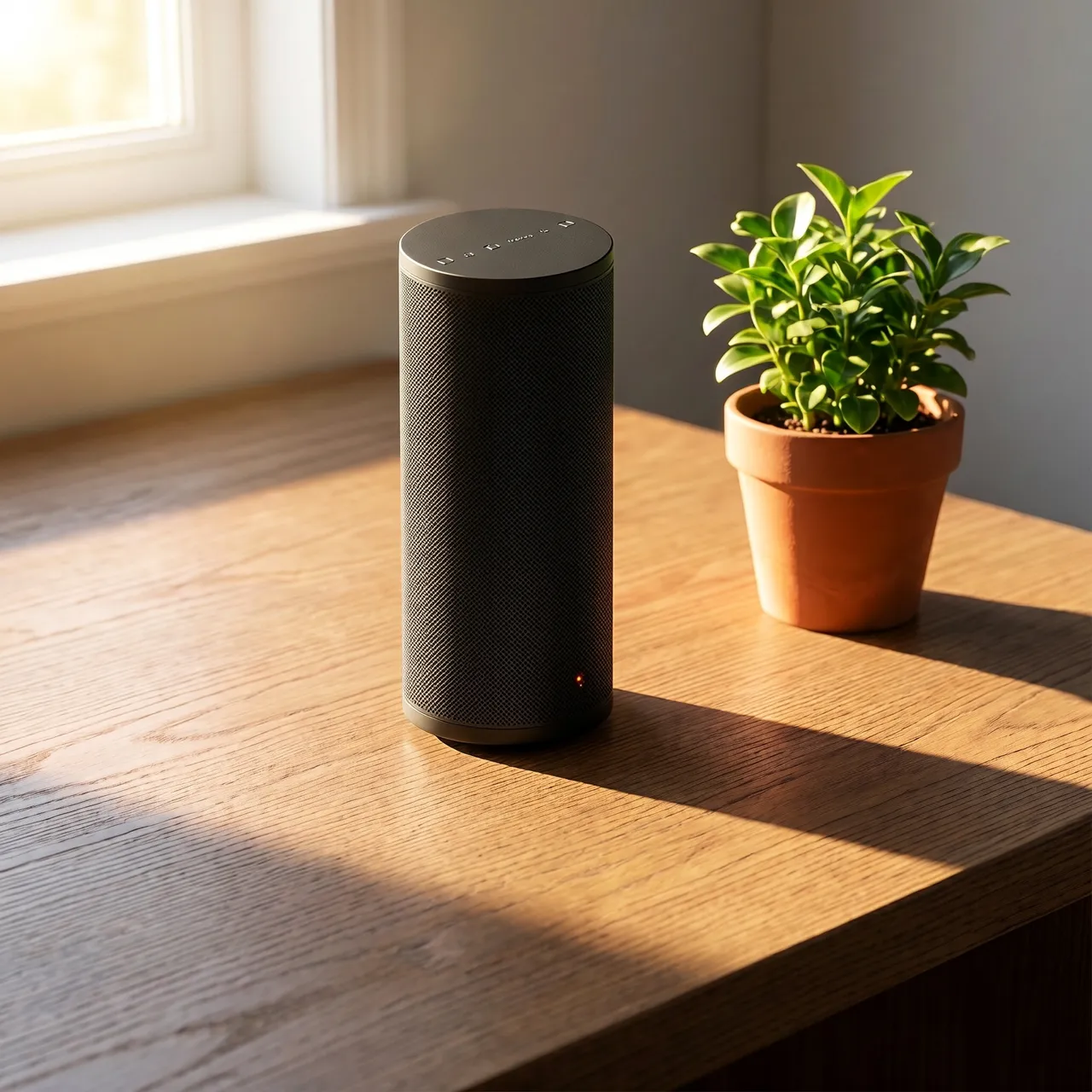
Edited InstructionPlace the speaker on a sunlit wooden desk next to a small potted plant, warm morning light from a window. Keep the speaker itself unchanged.
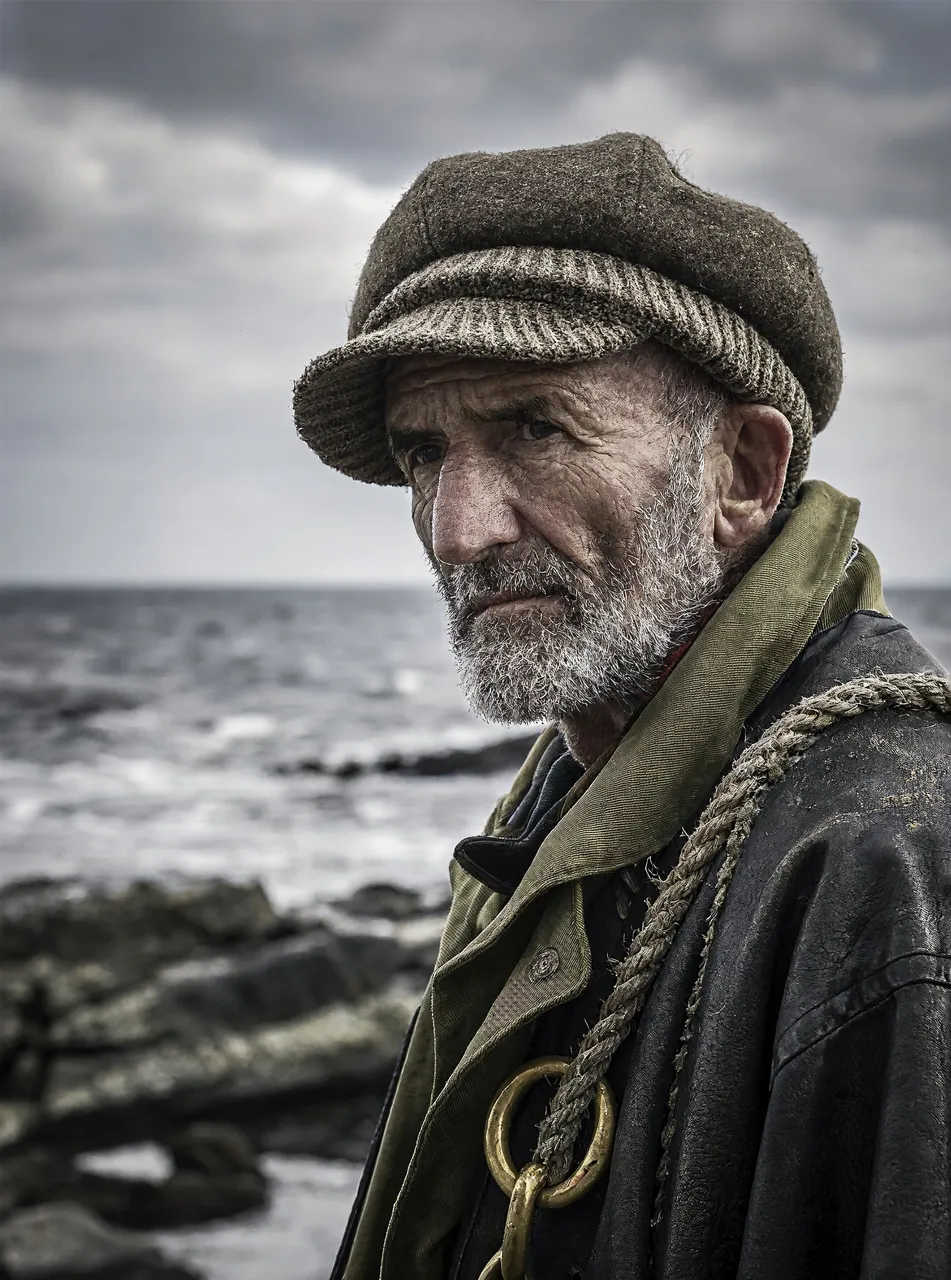
Original 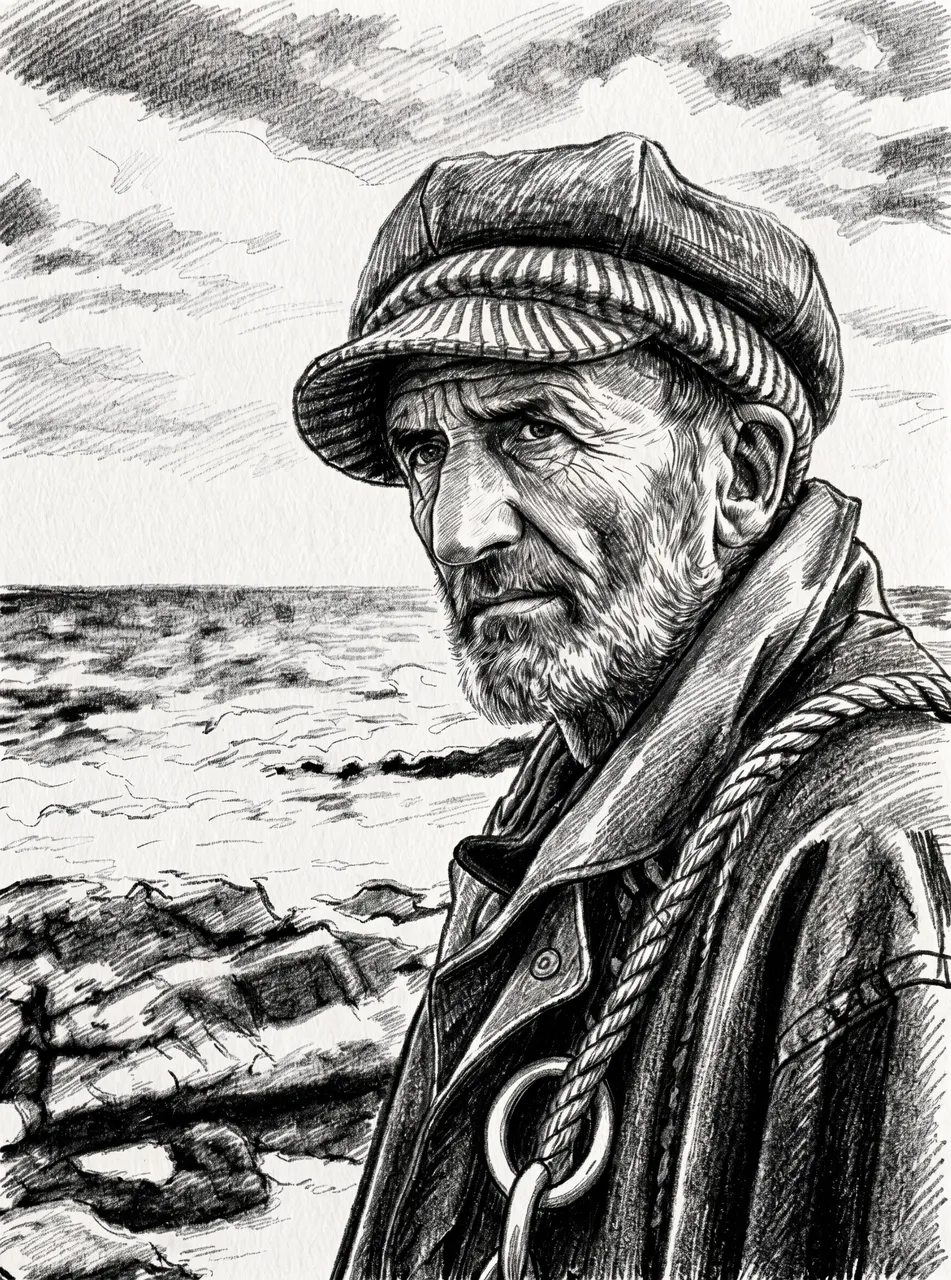
Edited InstructionTurn this photo into a charcoal sketch on textured paper. Keep the composition and the face the same.
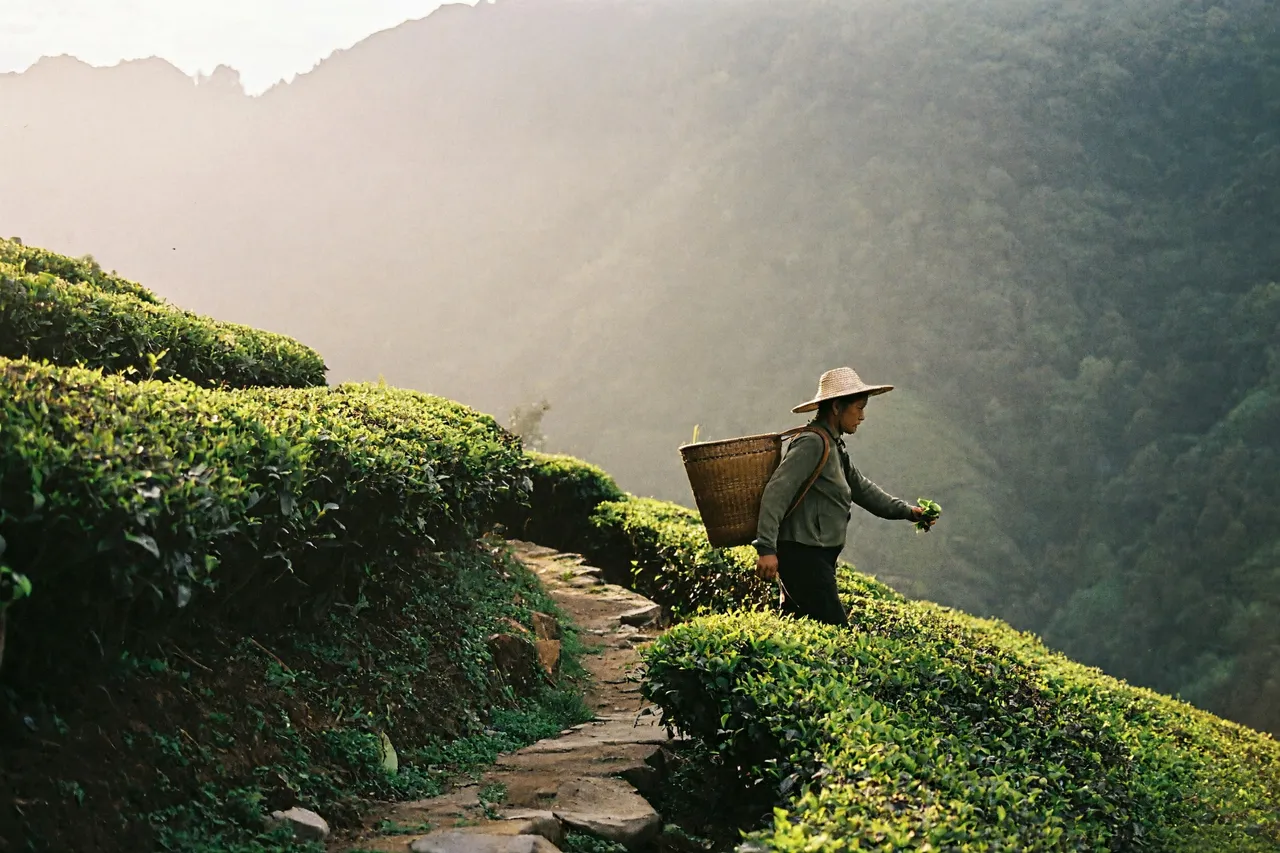
Original 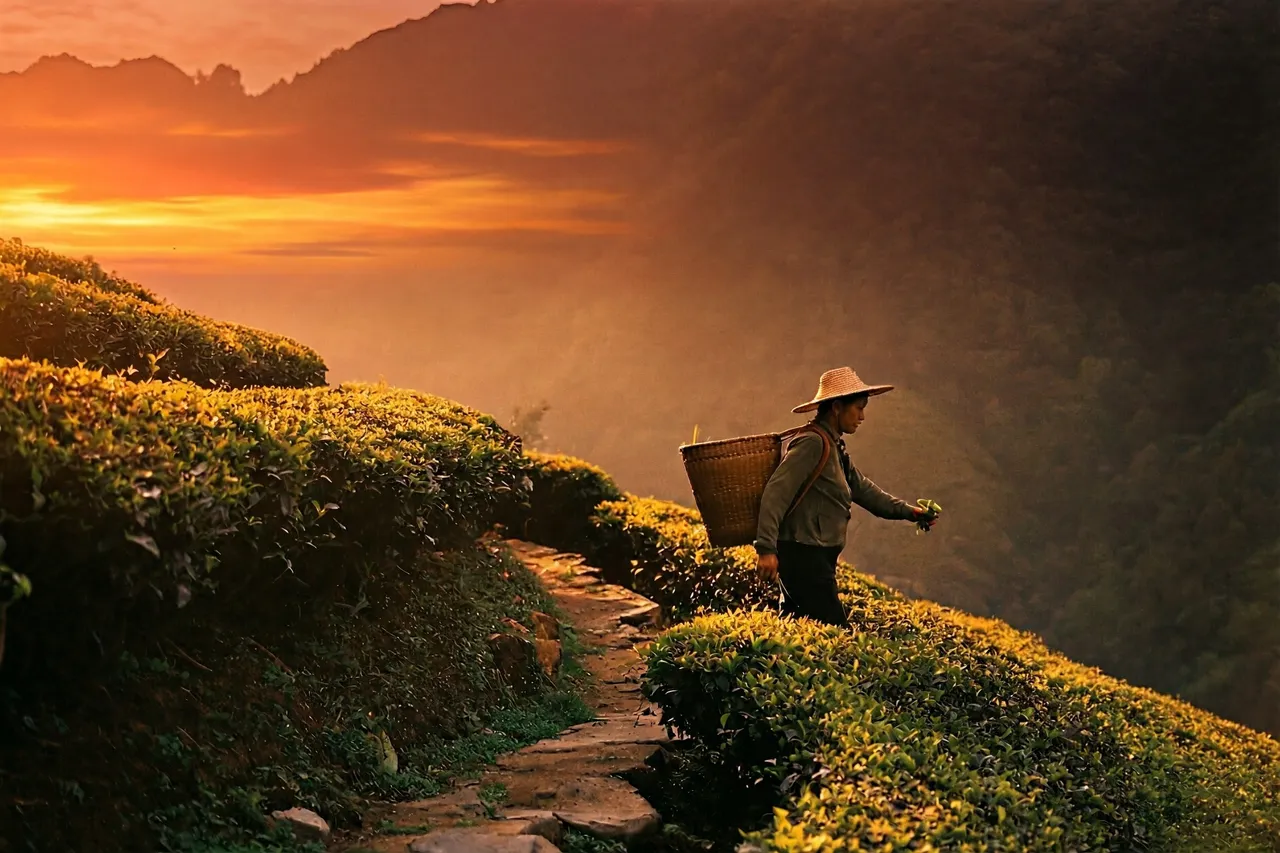
Edited InstructionChange the time of day to a golden sunset with a warm orange sky. Keep the landscape and the person unchanged.
Image editing by instruction
You say what should change. The model works out how.
Edit with words
Write the change the way you would explain it to a retoucher: "replace the sky with a clear sunset".
Up to 4 reference images
Combine a subject from one image with a scene or a style from another.
Keeps your framing
Leave the aspect ratio on Auto to follow the image you uploaded, or pick a new one to reframe.
Edit the result again
Send any finished image back into the editor with one click and keep refining.
How to edit an image
- 01
Upload your images
Add 1 to 4 JPG, PNG or WebP files, up to 10 MB each.
- 02
Describe the edit
Say what should change and what should stay the same.
- 03
Apply and compare
Press Apply edit. Download the result, or run another edit on top of it.
Two tools, one model
AI Image Generator
Text-to-image generation with MiniMax H3 Image. Best for new scenes, concept art, product visuals and social graphics.
Open the image generatorAI Image Editor
Image editing by instruction. Upload reference images and describe the result you want, without masks or layers.
Open the image editorImage editing FAQ
Make your first image with H3 Image
Open the studio, write a prompt, and see what the model does with it.