Powered by MiniMax H3 Image
H3 Image: AI image generation and image editing
Type what you want to see and get images up to 4K. Or upload a photo and describe the change. One studio for both, running on the MiniMax H3 Image model.
Your image appears here
Write a prompt on the left and press Generate, or start from one of these.
Made with H3 Image
Each image below came straight from MiniMax H3 Image using the prompt shown, at 2K with no retouching. Pick one to open it in the generator.
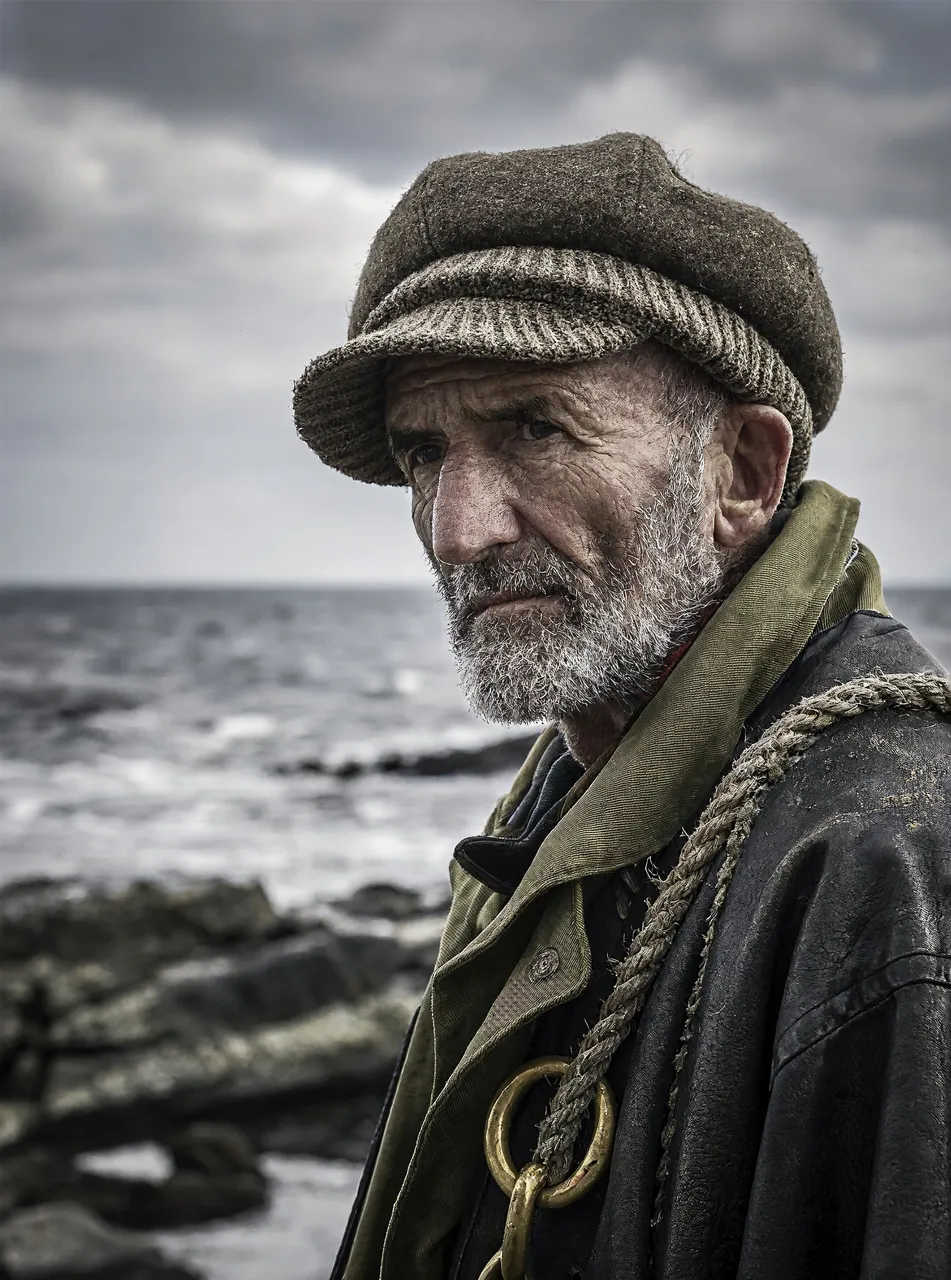
Close-up portrait of an elderly fisherman with weathered skin and a grey beard, wool cap, overcast coastal light, 85mm lens, shallow depth of field
3:4 · 2KUse this prompt
Isometric 3D render of a tiny bookshop on a street corner, warm window light, rainy evening
1:1 · 2KUse this prompt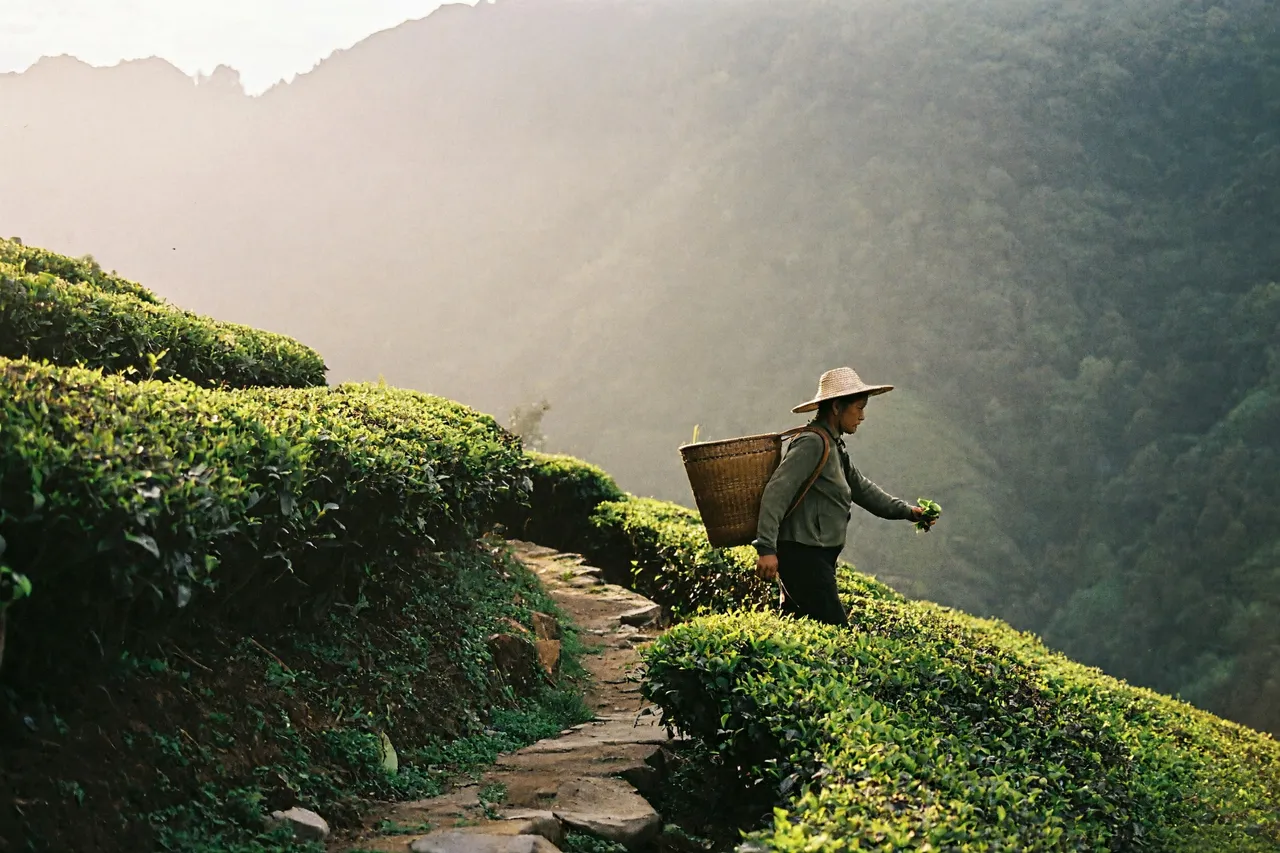
A tea plantation on a misty mountainside at dawn, a picker walking a terraced path, soft backlight, 35mm film look
3:2 · 2KUse this prompt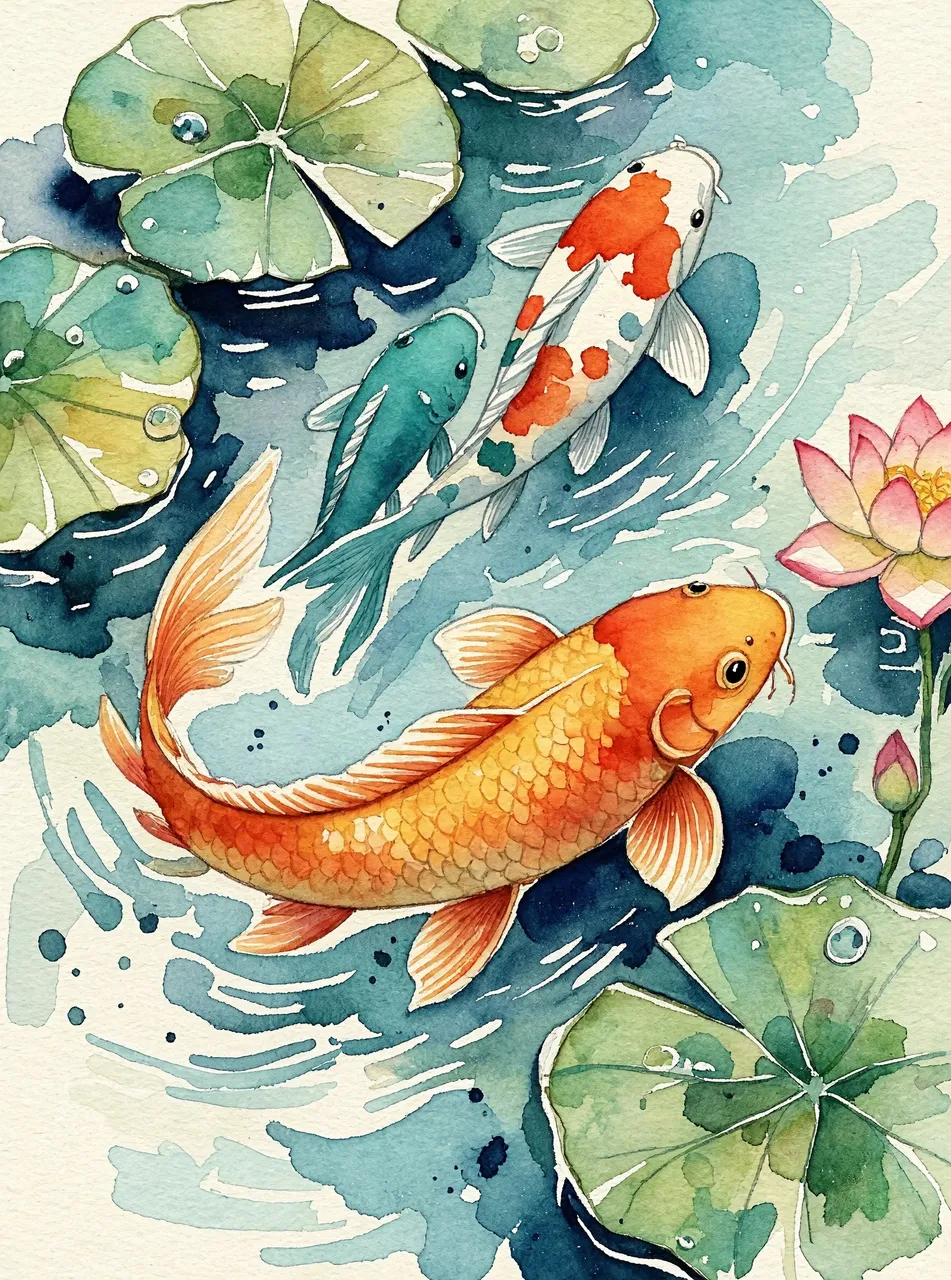
Watercolour painting of a koi pond with lily pads seen from above, loose brushwork, soft paper texture, orange and teal
3:4 · 2KUse this prompt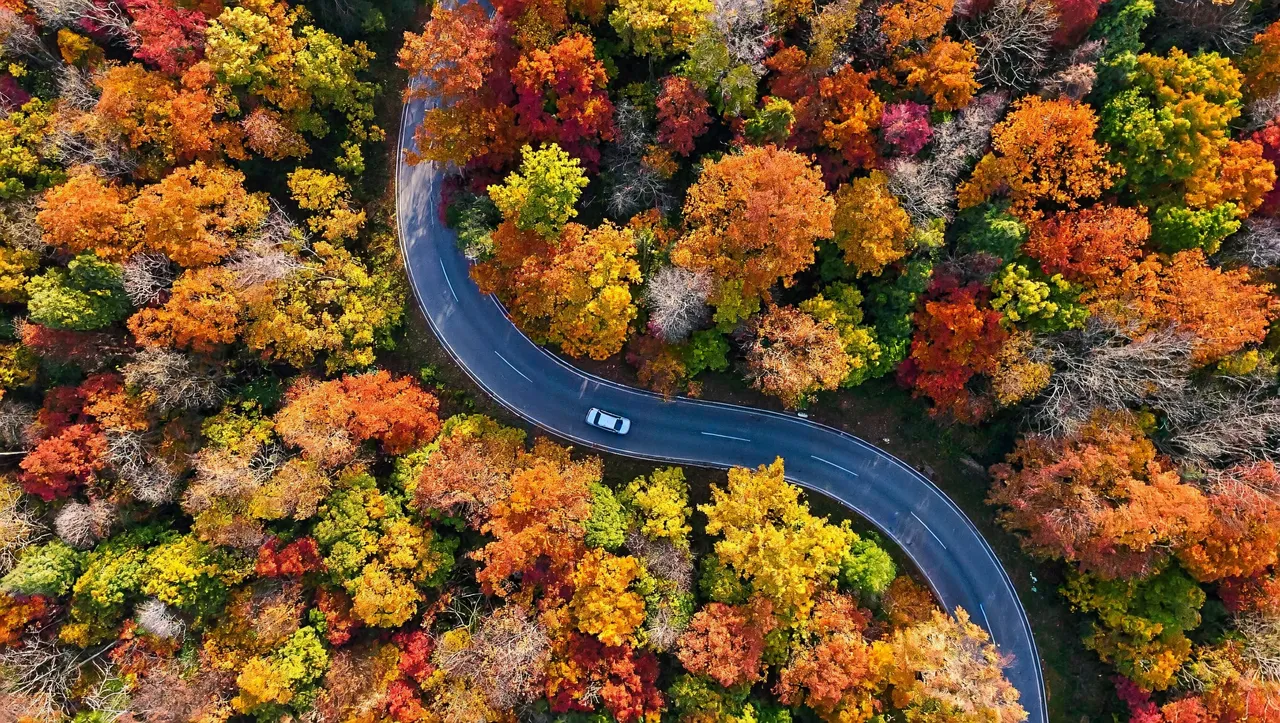
Aerial top-down photo of a winding road through an autumn forest, vivid orange and red foliage, one small car
16:9 · 2KUse this prompt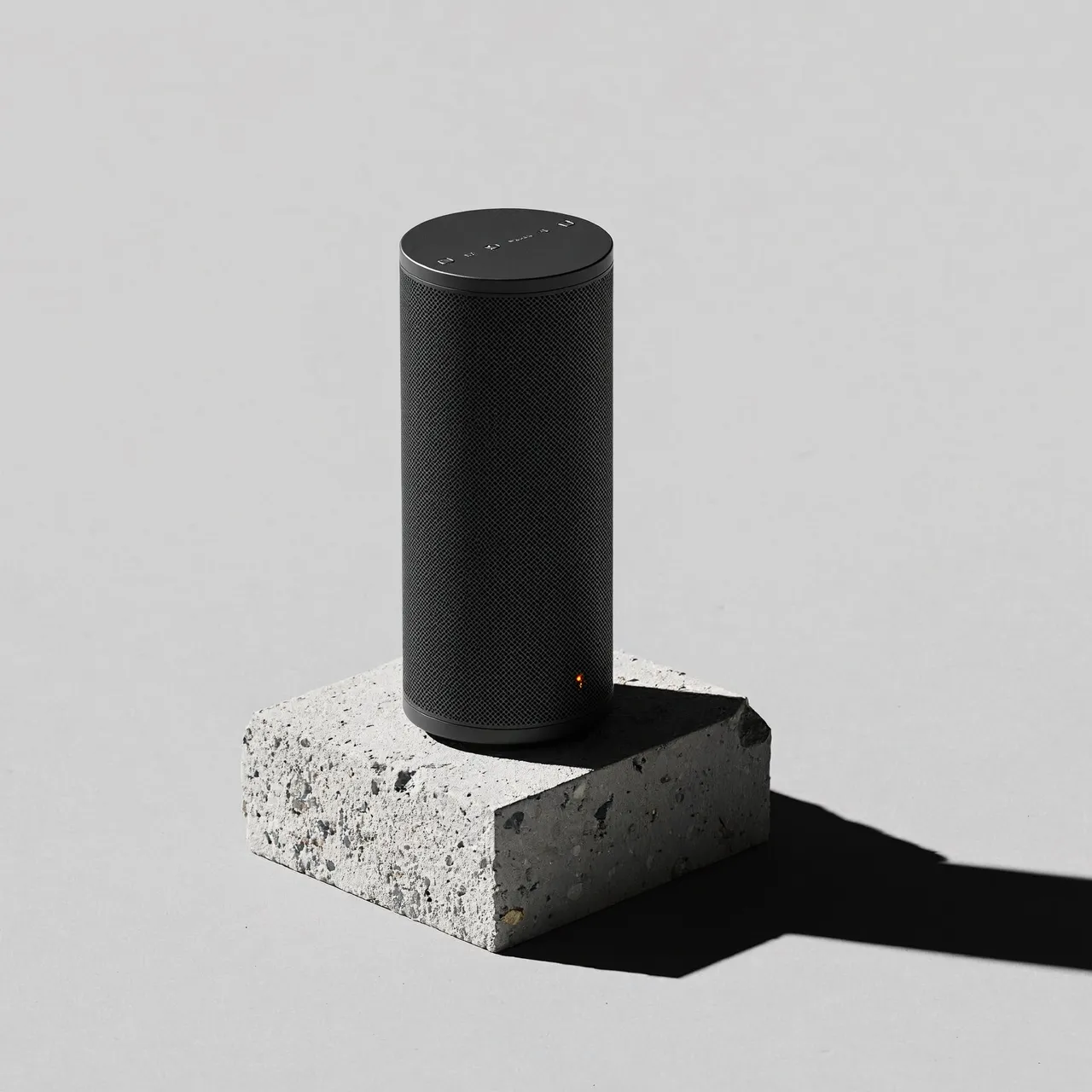
Product photo of a matte black wireless speaker on a concrete plinth, hard studio light, long shadow, minimal, light grey background
1:1 · 2KUse this prompt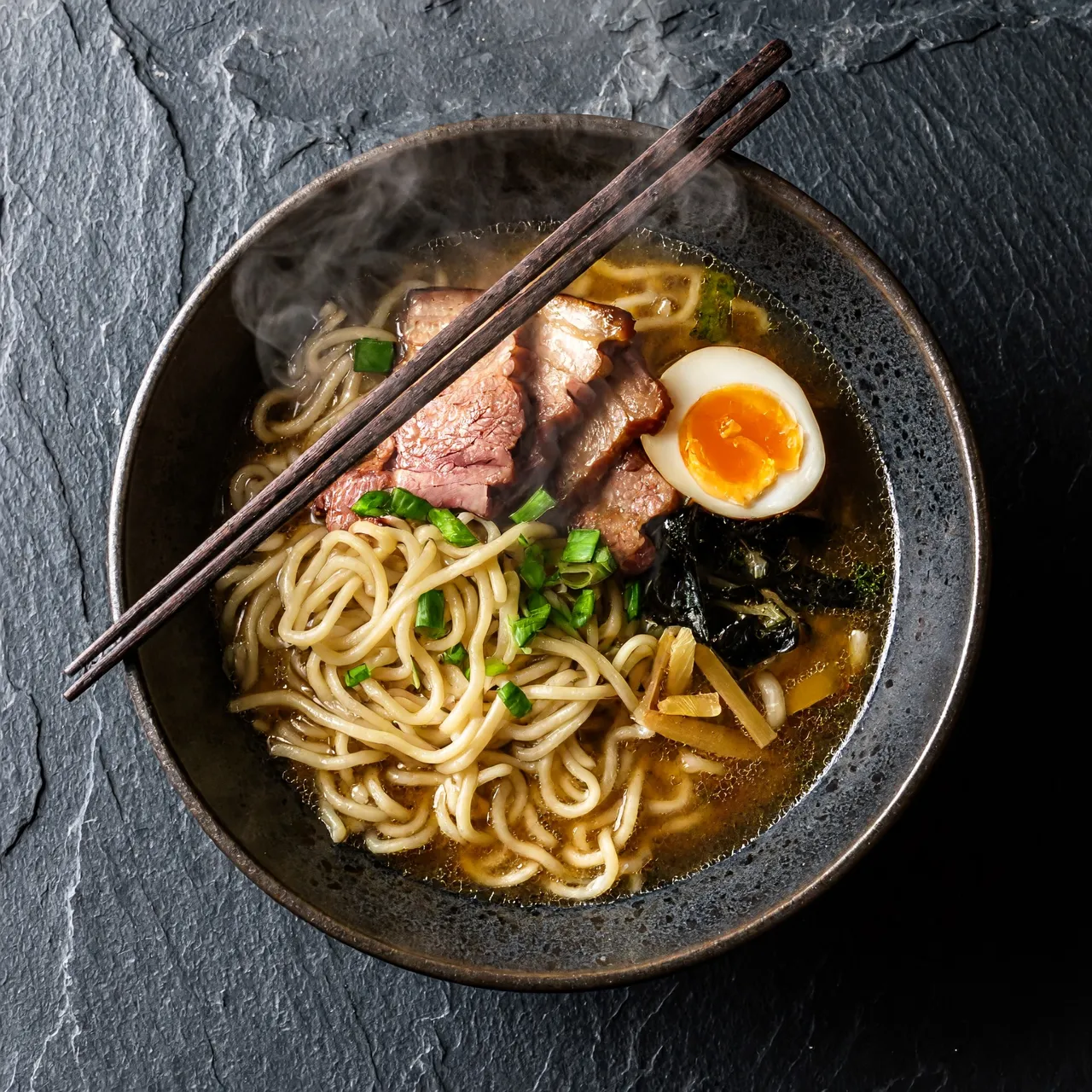
Overhead shot of a bowl of ramen on a dark slate table, rising steam, chopsticks resting on the bowl, moody side light
1:1 · 2KUse this prompt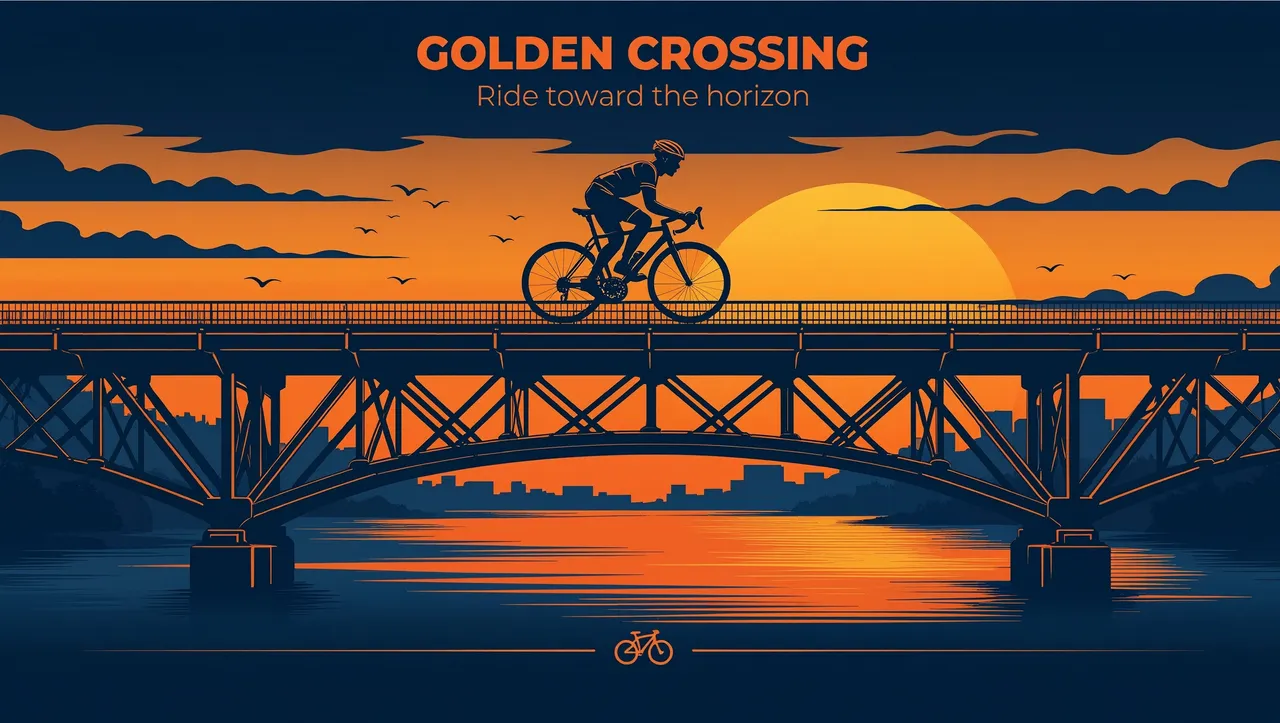
Flat vector illustration of a cyclist crossing a bridge at sunset, limited palette of orange and navy
16:9 · 2KUse this prompt
Image editing, before and after
The same MiniMax H3 Image model edited each original from one written instruction.
Original 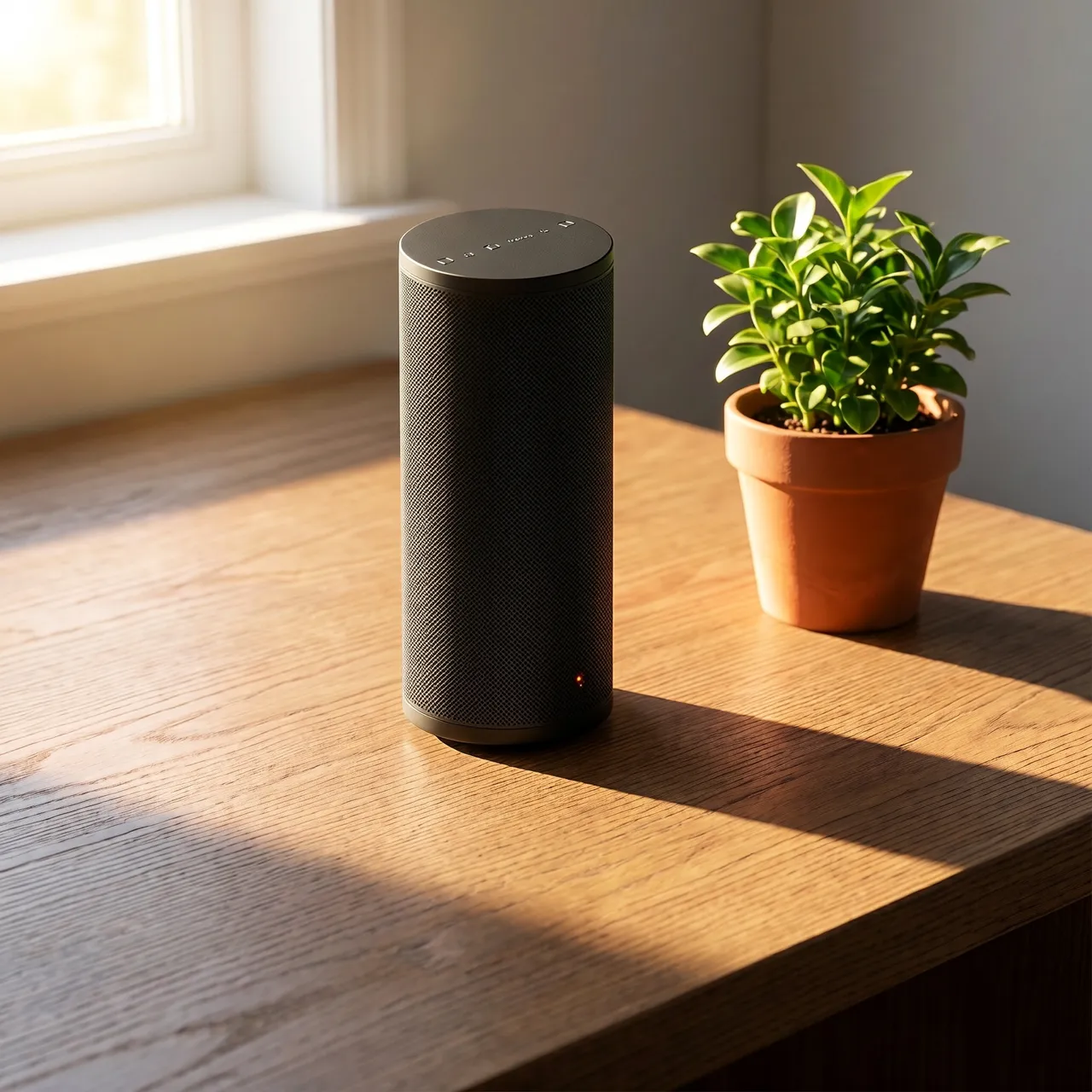
Edited InstructionPlace the speaker on a sunlit wooden desk next to a small potted plant, warm morning light from a window. Keep the speaker itself unchanged.
Original 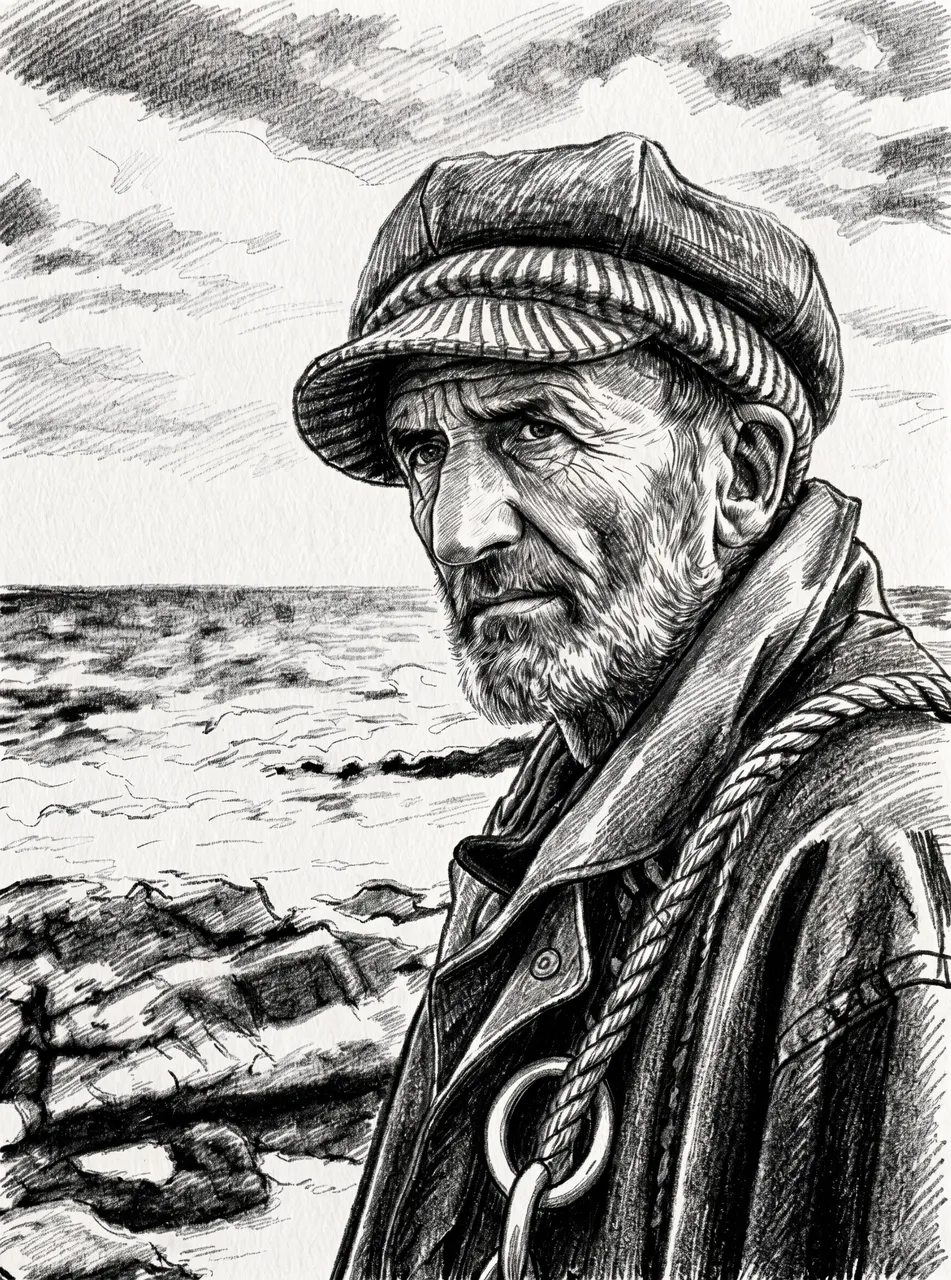
Edited InstructionTurn this photo into a charcoal sketch on textured paper. Keep the composition and the face the same.
Original 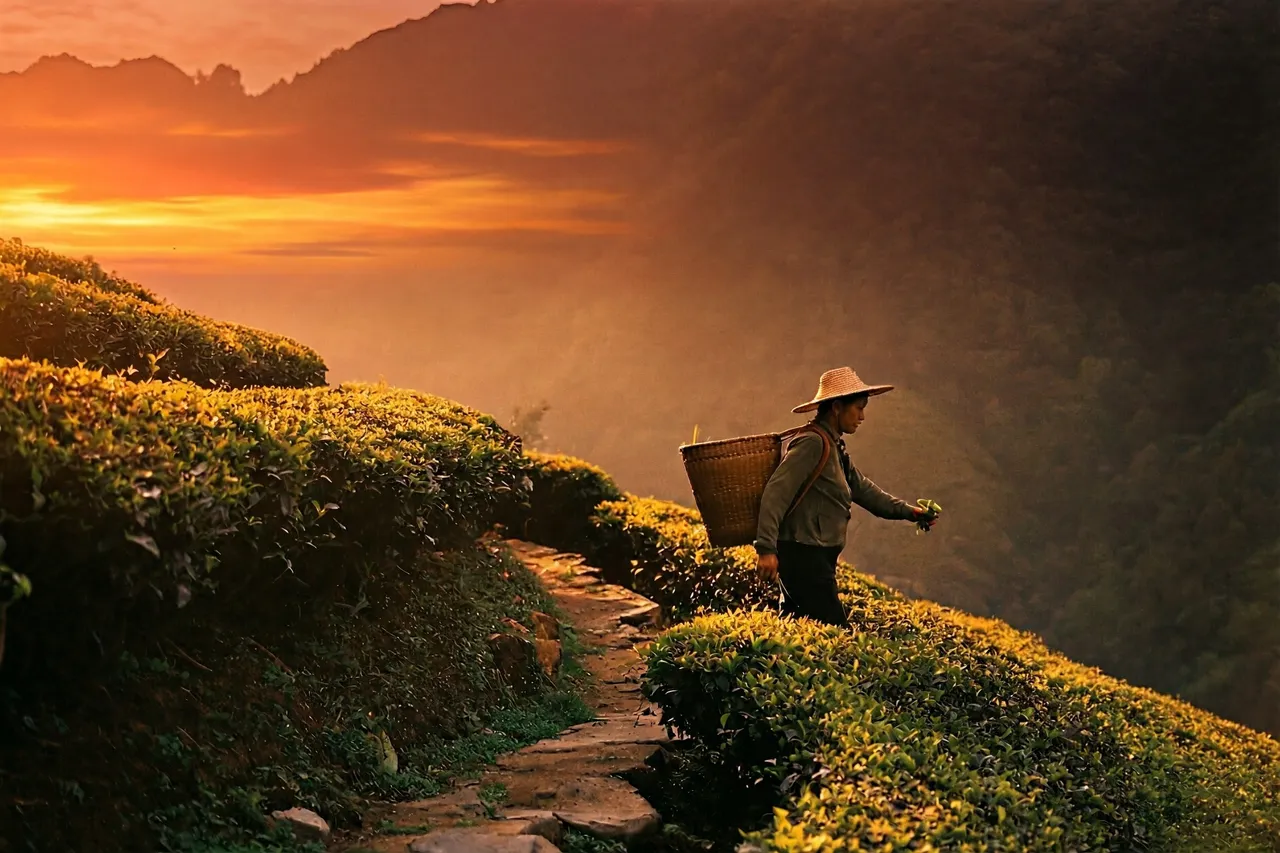
Edited InstructionChange the time of day to a golden sunset with a warm orange sky. Keep the landscape and the person unchanged.
Image generation and image editing in one place
H3 Image keeps the controls that matter and leaves out the rest.
Text-to-image generation
Describe a scene, a product shot or an illustration in plain language. H3 Image expands the prompt and renders it.
Prompt-based image editing
Upload up to 4 images and say what should change: swap a background, restyle a photo, combine subjects.
1K, 2K and 4K output
Draft quickly at 1K or 2K, then render the keeper at 4K (4096 × 4096 for a square image).
Nine aspect ratios
Square, portrait, landscape and ultrawide 21:9. Auto lets the model choose, and follows your upload when editing.
Up to 4 images per run
Generate several variations from one prompt and keep the one that works.
A library of your work
Every generation is saved with its prompt and settings, so you can download it again or reuse the prompt.
From prompt to image in three steps
- 01
Describe or upload
Write a prompt for a new image, or switch to Edit and add the photos you want to change.
- 02
Pick size and quality
Choose an aspect ratio, a resolution from 1K to 4K, the number of images and the file format.
- 03
Generate and download
Your images appear in the studio. Download them, or send one straight back into the editor for another pass.
Two tools, one model
AI Image Generator
Text-to-image generation with MiniMax H3 Image. Best for new scenes, concept art, product visuals and social graphics.
Open the image generatorAI Image Editor
Image editing by instruction. Upload reference images and describe the result you want, without masks or layers.
Open the image editorPricing
Credits pay for generations: 10 credits per 1K or 2K image, 30 per 4K image.
Starter
For occasional images
- 1,000 credits every month
- About 100 images at 2K
- 1K, 2K and 4K output
- Image generation and image editing
- Creations saved to your library
Pro
For regular creative work
- 4,000 credits every month
- About 400 images at 2K
- 1K, 2K and 4K output
- Image generation and image editing
- Creations saved to your library
Studio
For high-volume production
- 12,000 credits every month
- About 1,200 images at 2K
- 1K, 2K and 4K output
- Image generation and image editing
- Creations saved to your library
H3 Image FAQ
Make your first image with H3 Image
Open the studio, write a prompt, and see what the model does with it.